
01
Evaluate a keyword before adding it
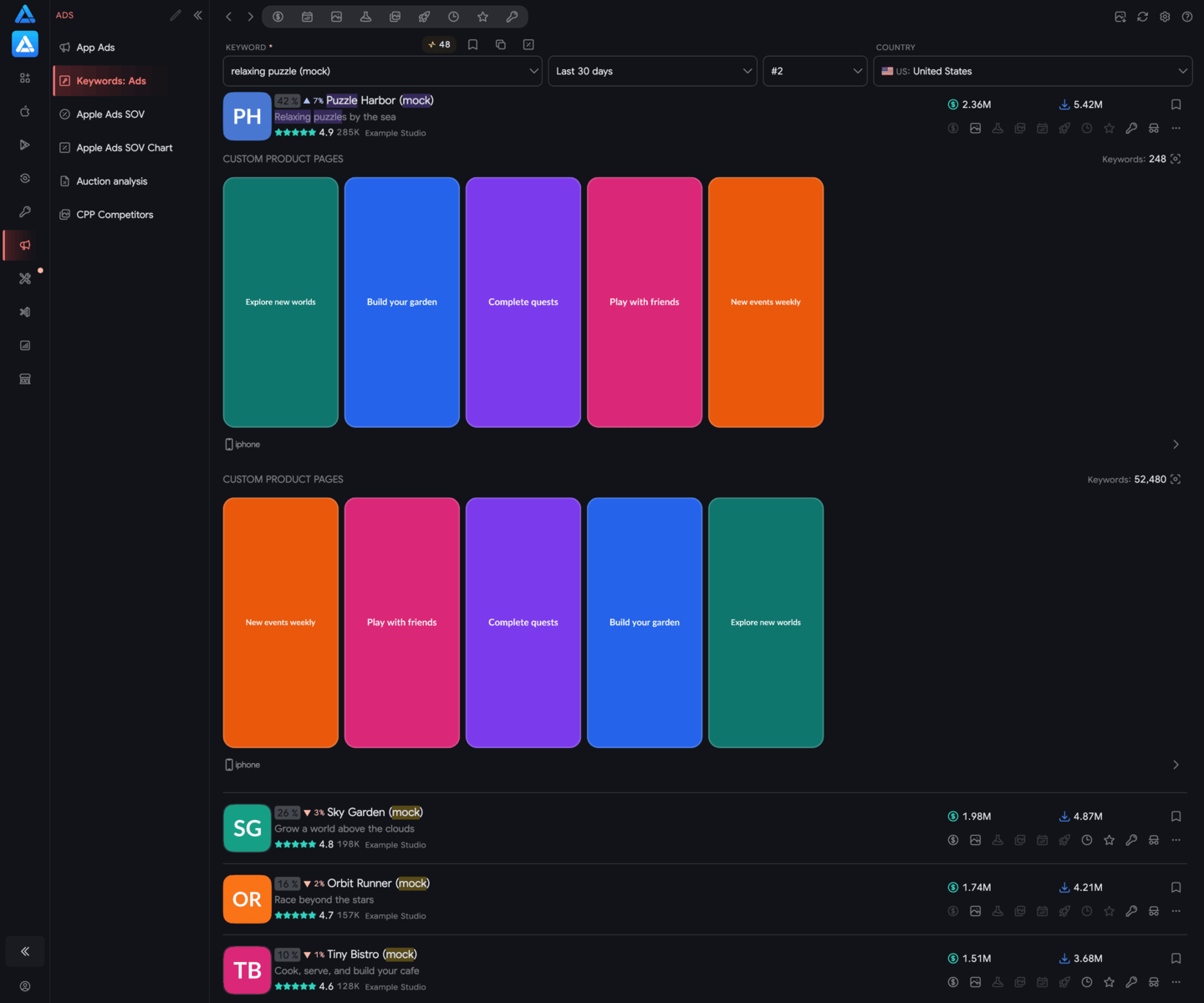
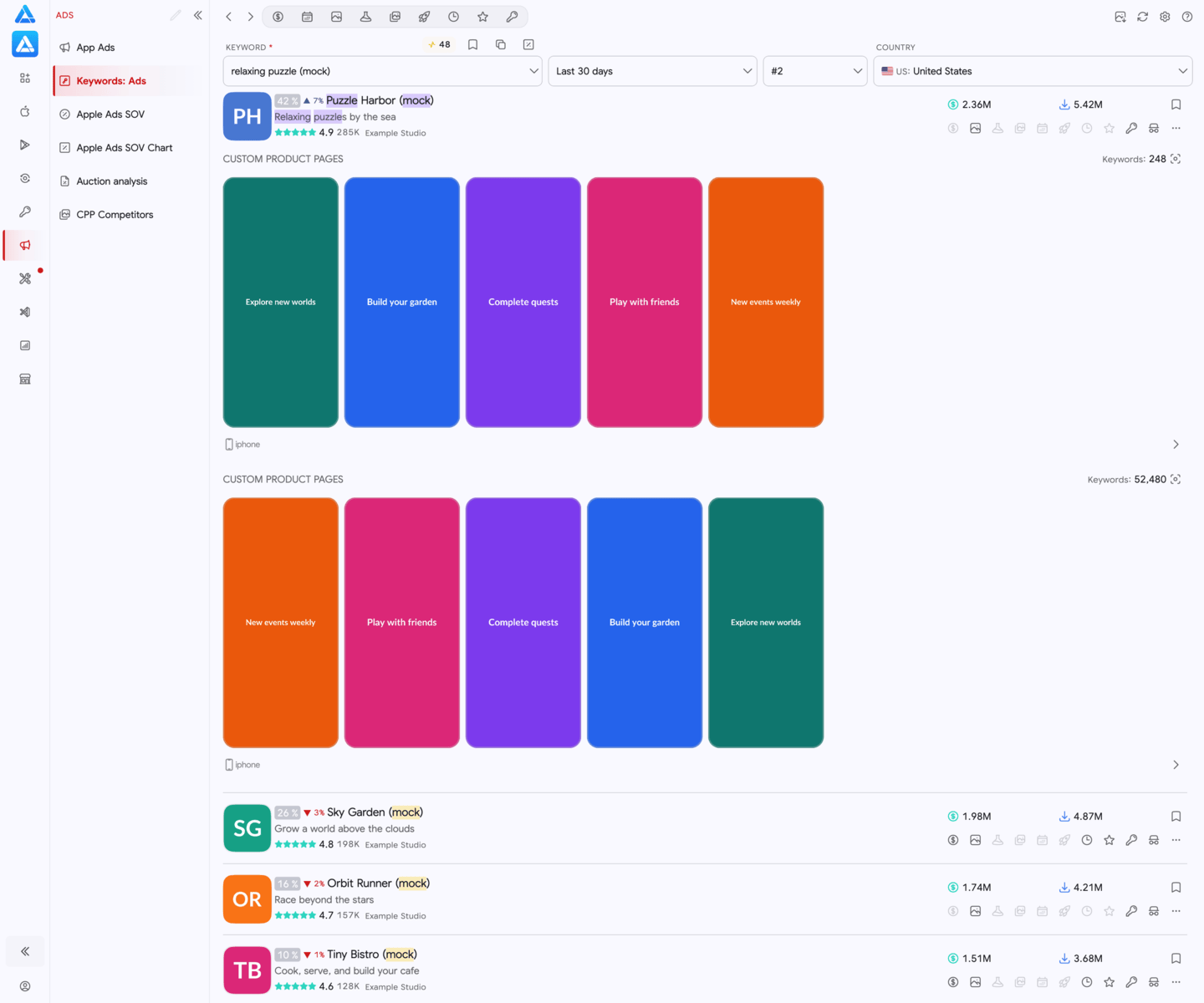
See which apps appear across both Search Results placements and review the competitive context around the query.
Apple Ads competitive research
Search by keyword or app across both Search Results placements and 58 countries. Compare creatives, Custom Product Pages, share of voice, and auction activity with unlimited research.
3-day trial · Cancel anytime
Context beyond your campaigns
Connect a keyword with the apps, creatives, and Custom Product Pages appearing around it before you change a campaign or brief the next test.
A workflow you can repeat
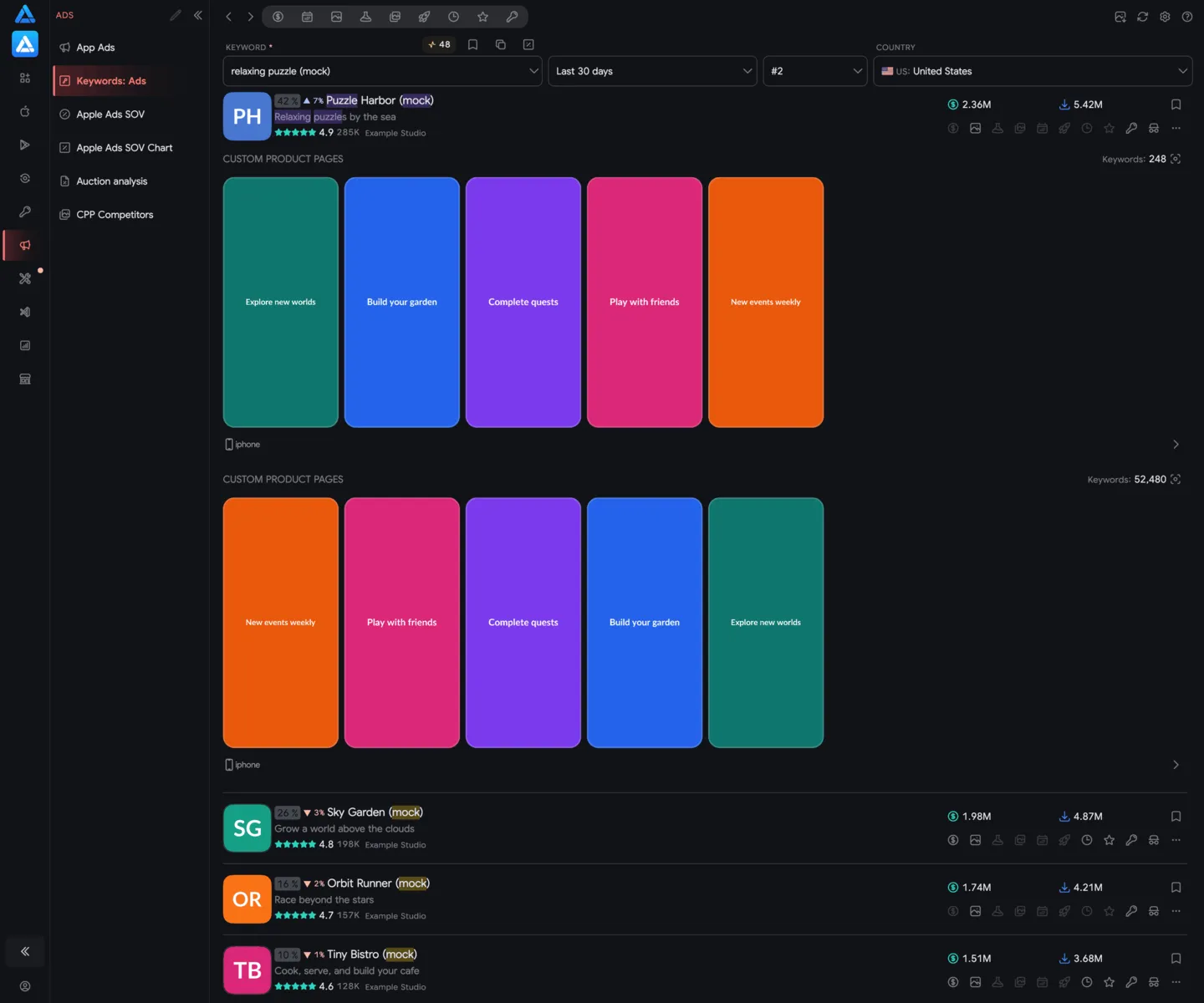
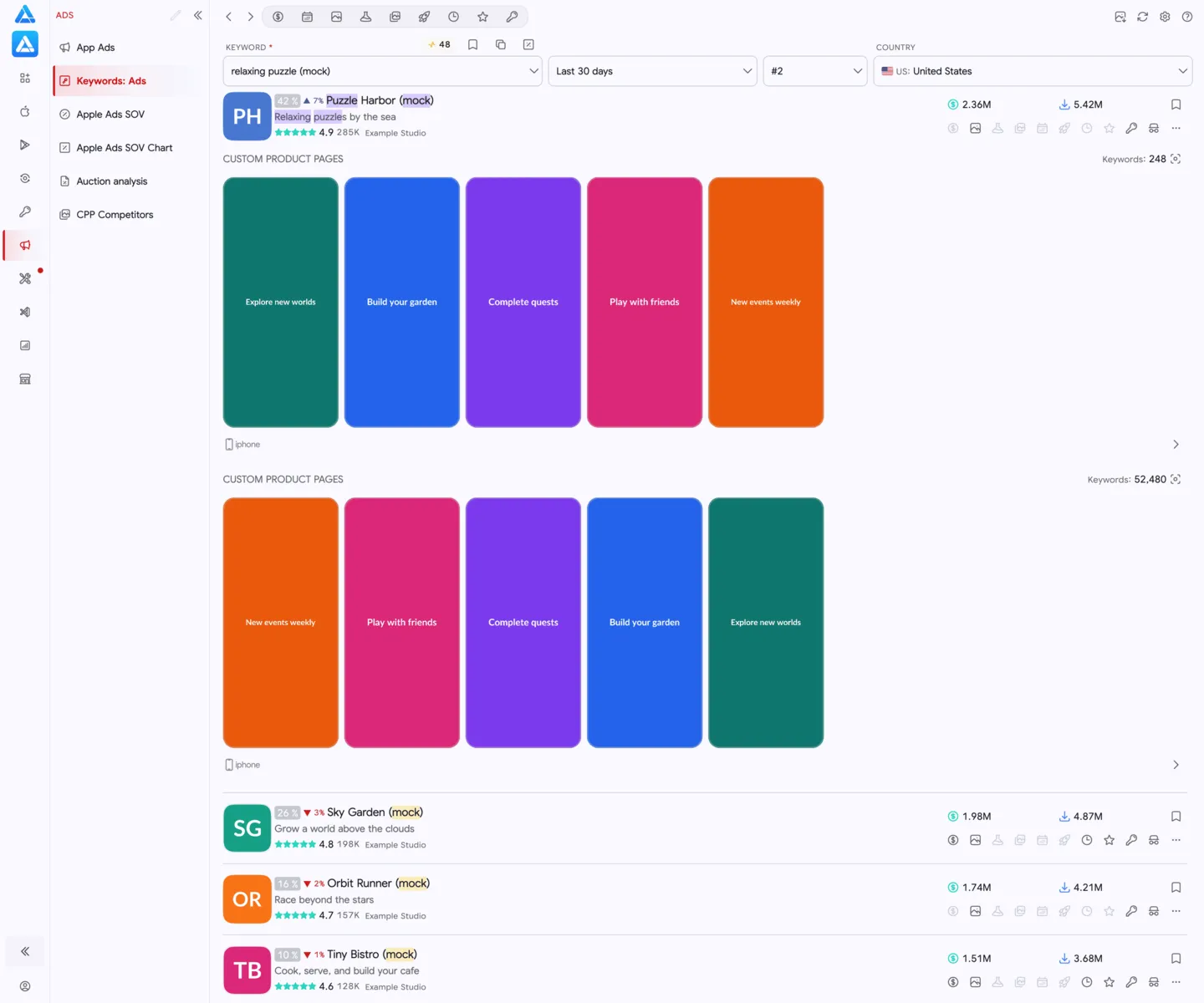
Research from either a keyword or an app, inspect the supporting evidence, and turn the result into a focused next step.
Review activity from both directions across the two Search Results placements without research limits.
Compare advertisers, creatives, Custom Product Pages, countries, devices, auction views, and share of voice.
Choose the keyword, creative, or page variation to validate in your own campaign based on the observed market context.
Research before you commit
Use competitive context alongside your own campaign data, whether you manage a client portfolio or run ads for one app.
See which apps appear across both Search Results placements and review the competitive context around the query.
Start with an app to examine the keywords, creatives, and Custom Product Pages connected to its presence.
Check how observed activity changes across 58 countries and available device views before applying one assumption everywhere.
Use auction snapshots and share of voice to frame a specific keyword, creative, or Custom Product Page hypothesis.
Inside the platform
Move between keyword research, app research, share of voice, and auction activity while keeping the competitive context intact.
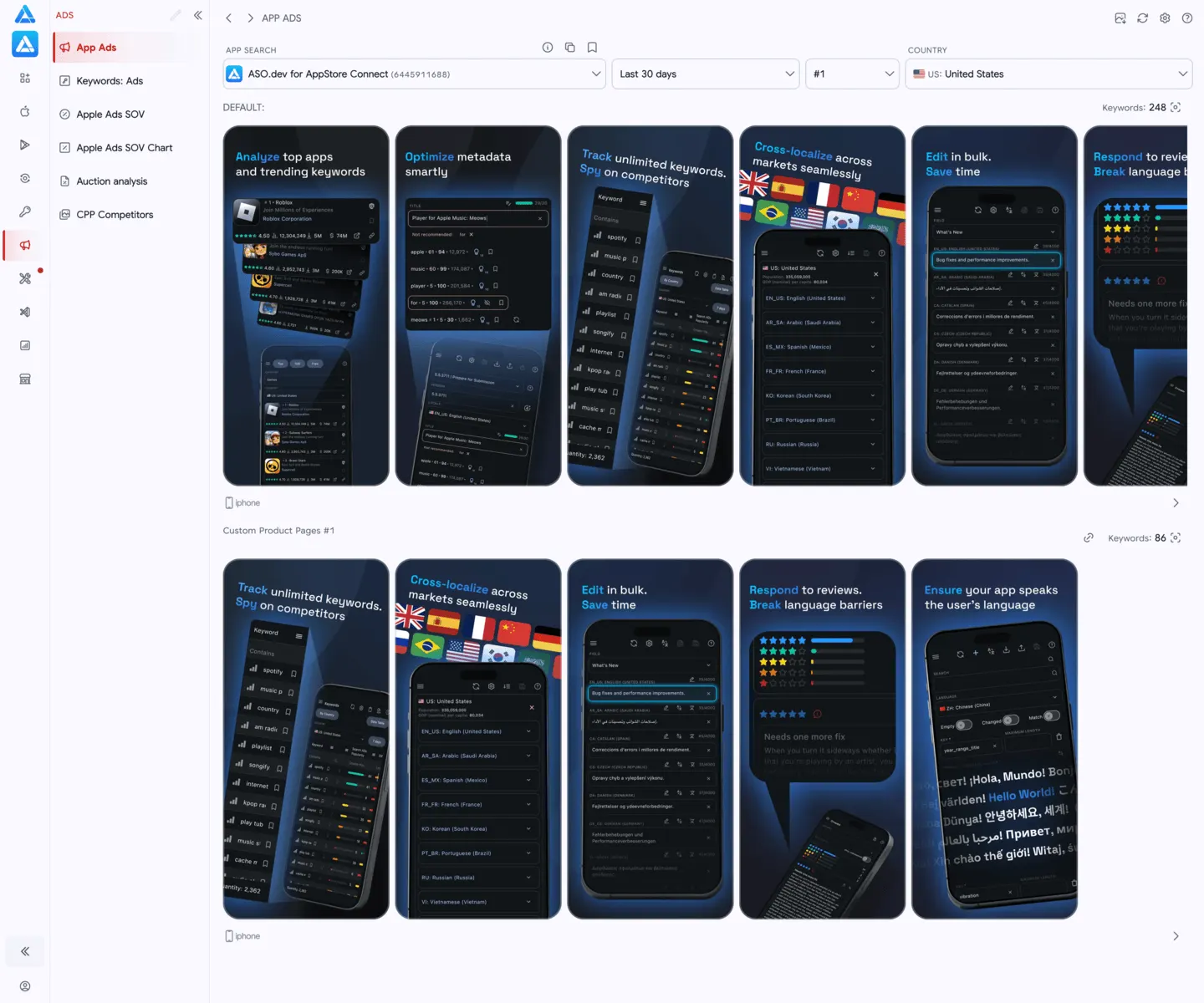
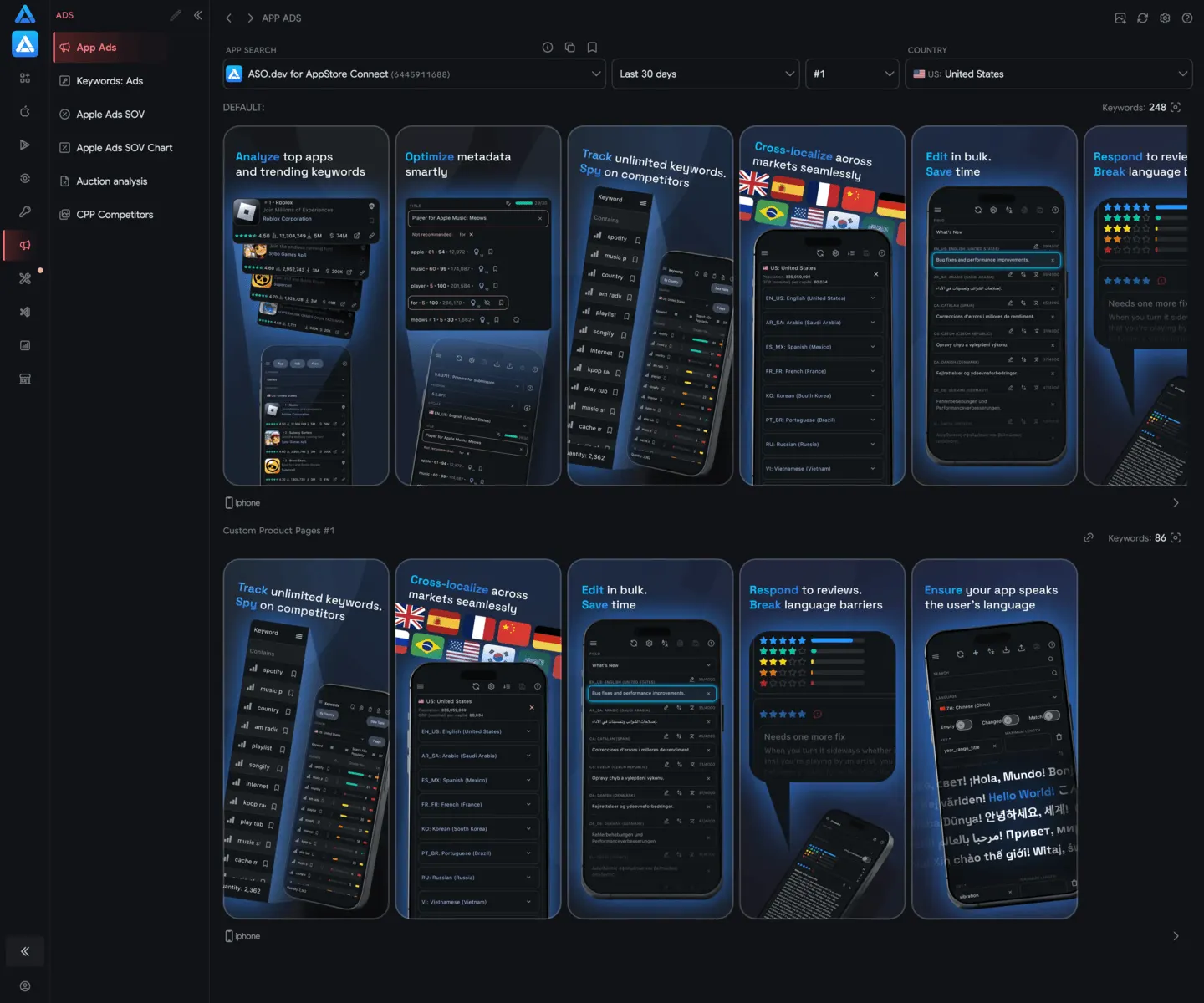 01App AdsSee who’s advertising across 2 placements. Browse keywords, creatives, and CPPs for any app.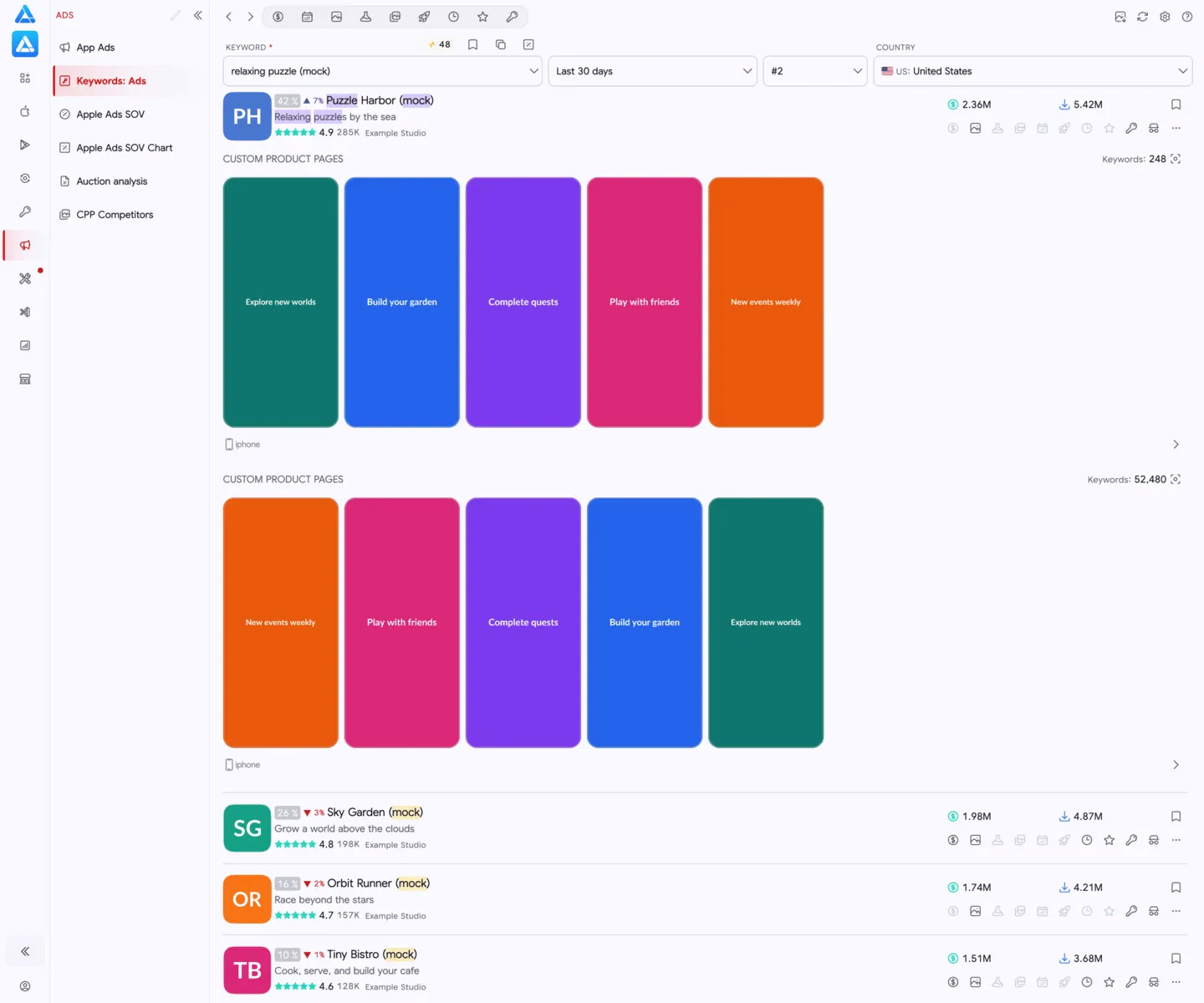
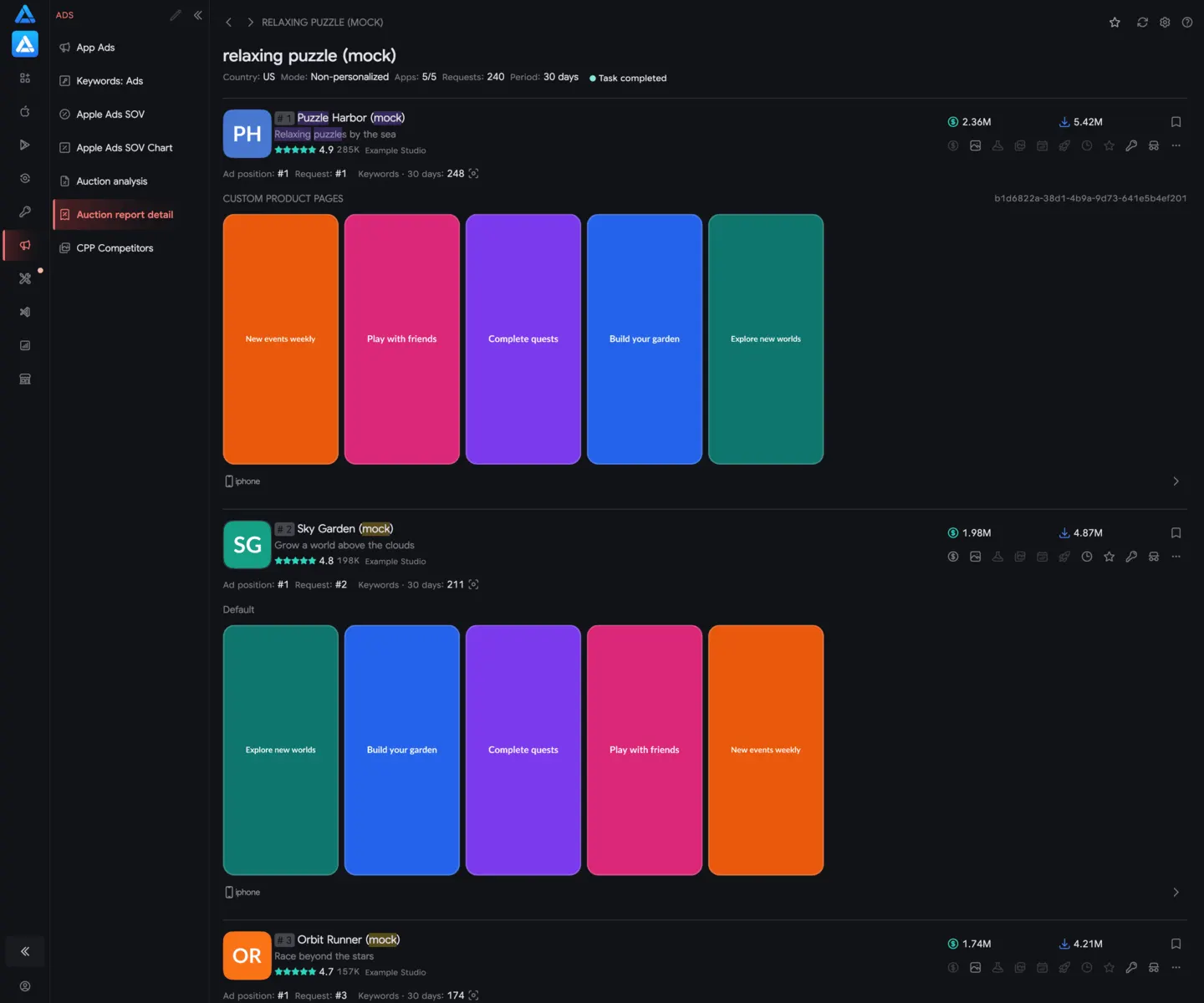
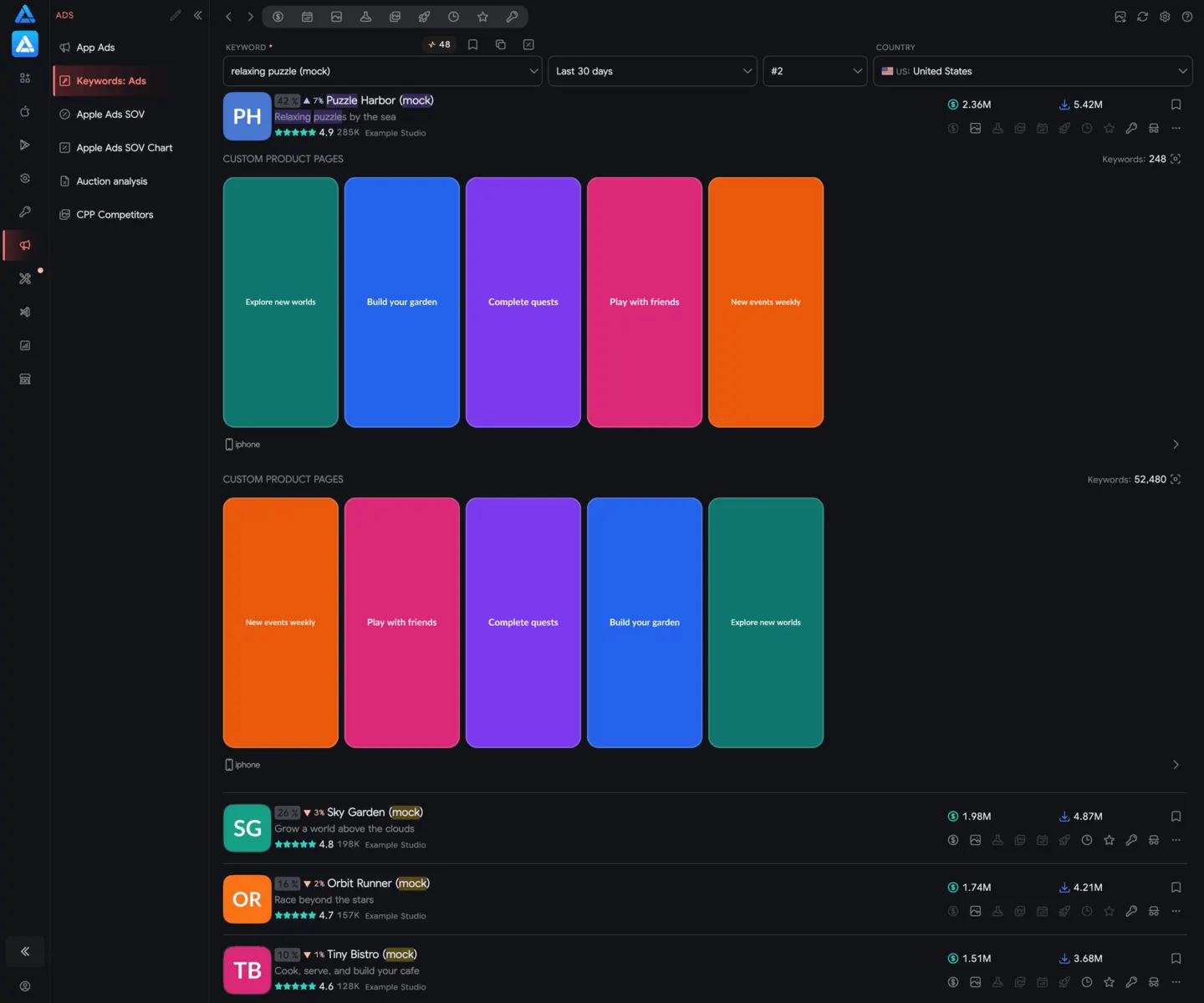 02Keywords AdsSee which apps buy a keyword across 2 placements, with creatives and CPPs.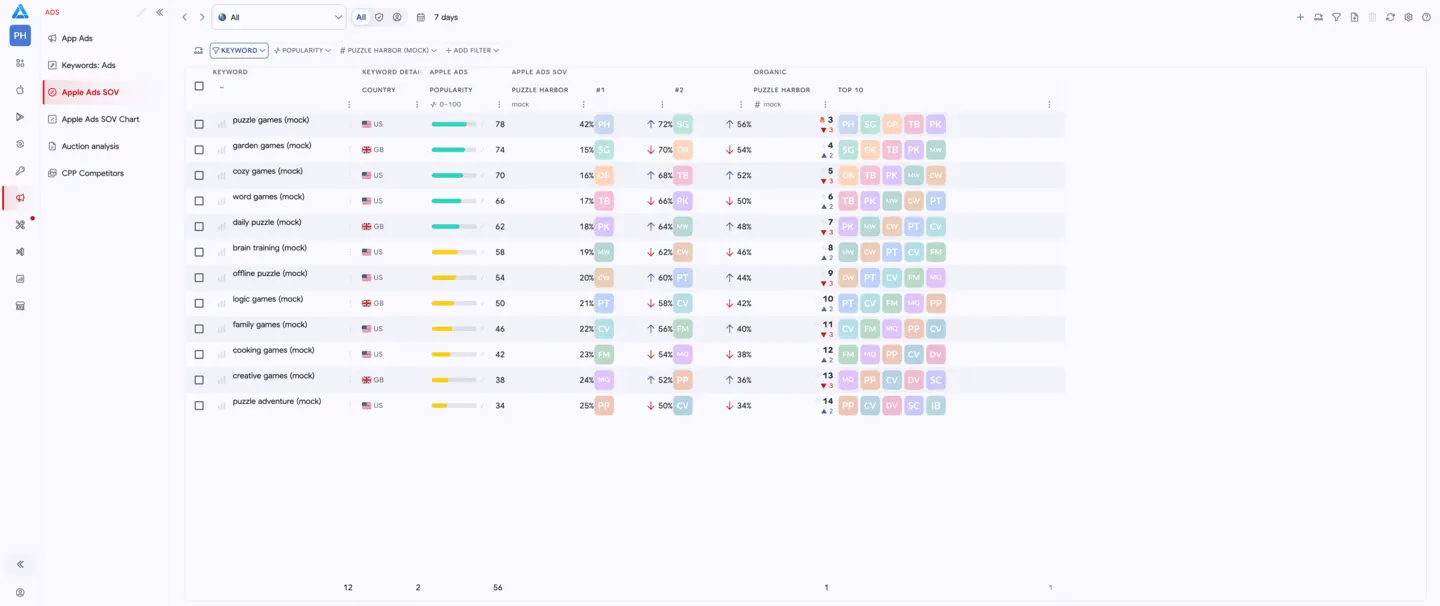
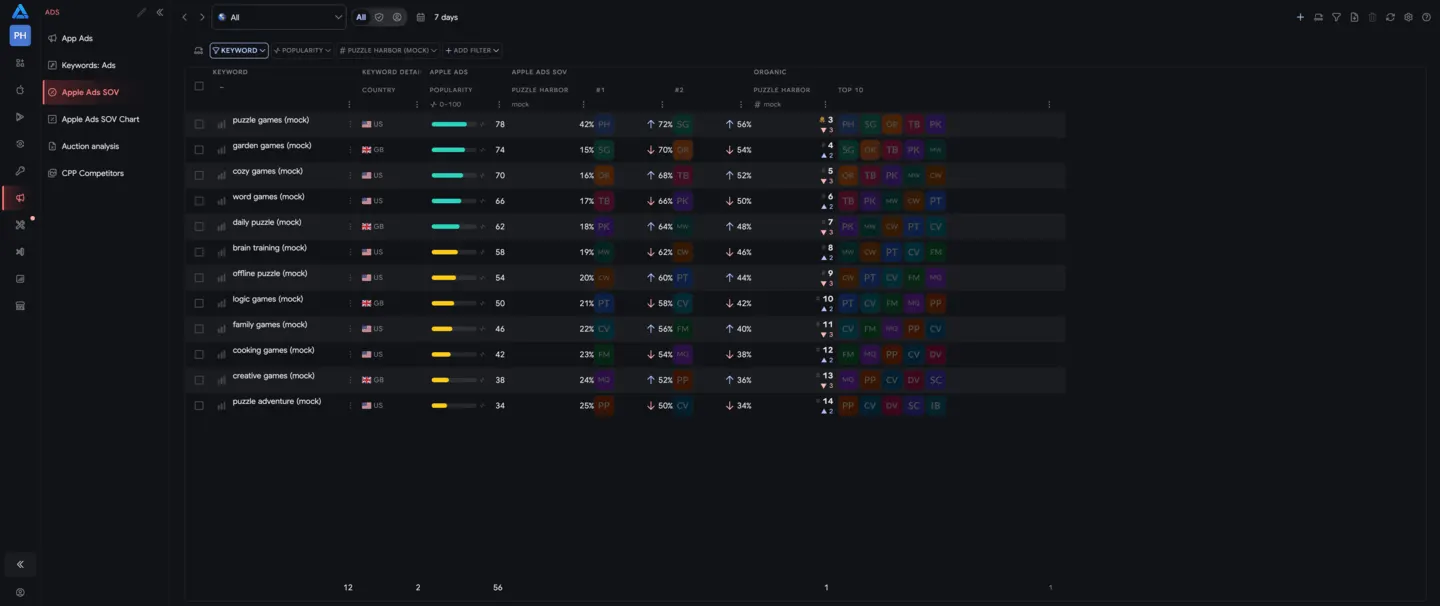 03Share of VoiceTrack share of voice in Apple Search Ads across 2 placements for your top keywords. Compare your ad presence with competitors over time and across countries.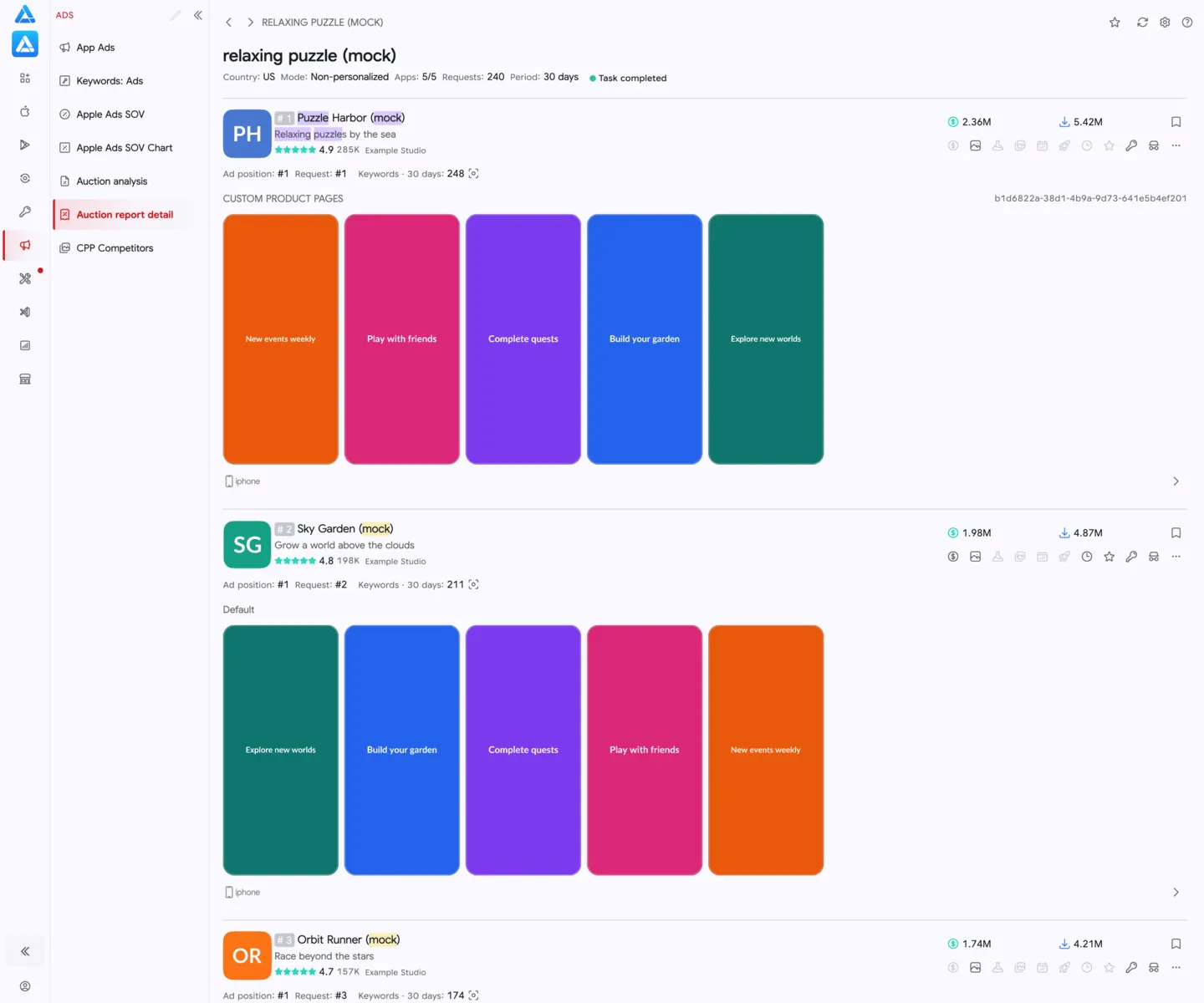
 04Auction InsightsSnapshot of current auction ranking across 2 Apple Ads placements — which apps hold each ad position for the keyword.
Questions, answered
The practical details teams usually want to know first.
Apple Ads Intelligence lets you see which apps advertise on the App Store by keyword or by app, including both Search Results ad placements.
Yes. Keywords Ads shows the apps, ad creatives, and Custom Product Pages appearing for any keyword across both placements.
Yes. App Ads reveals the keywords, creatives, and Custom Product Pages used by any app across countries and device types.
Campaign reports show your own activity. ASO.dev reveals competitor and market activity so you can benchmark strategy and spot opportunities.
Use unlimited competitor research to choose a focused keyword, creative, or Custom Product Page hypothesis to test.