
App Ads
Available only for the Marketing membership.
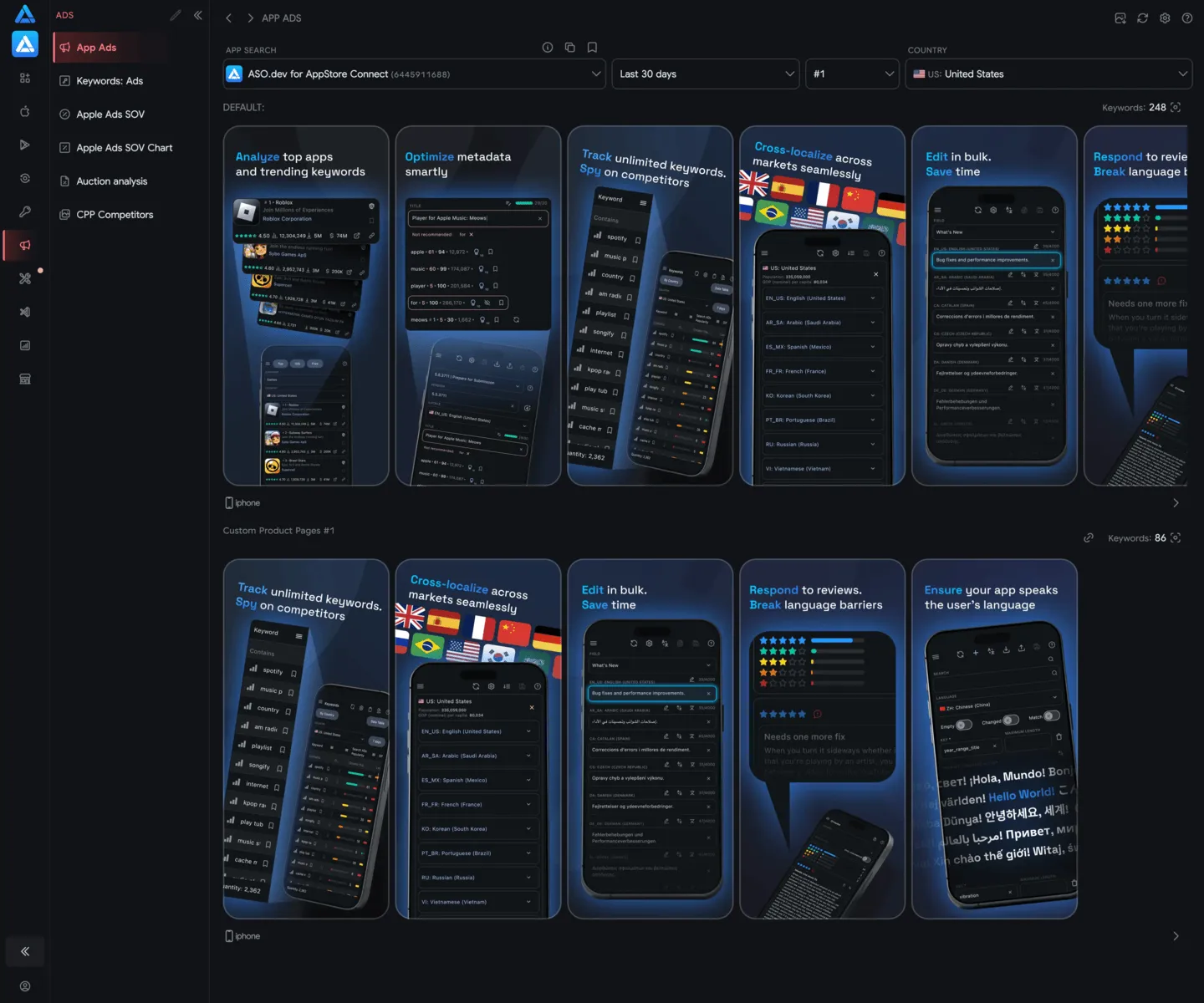
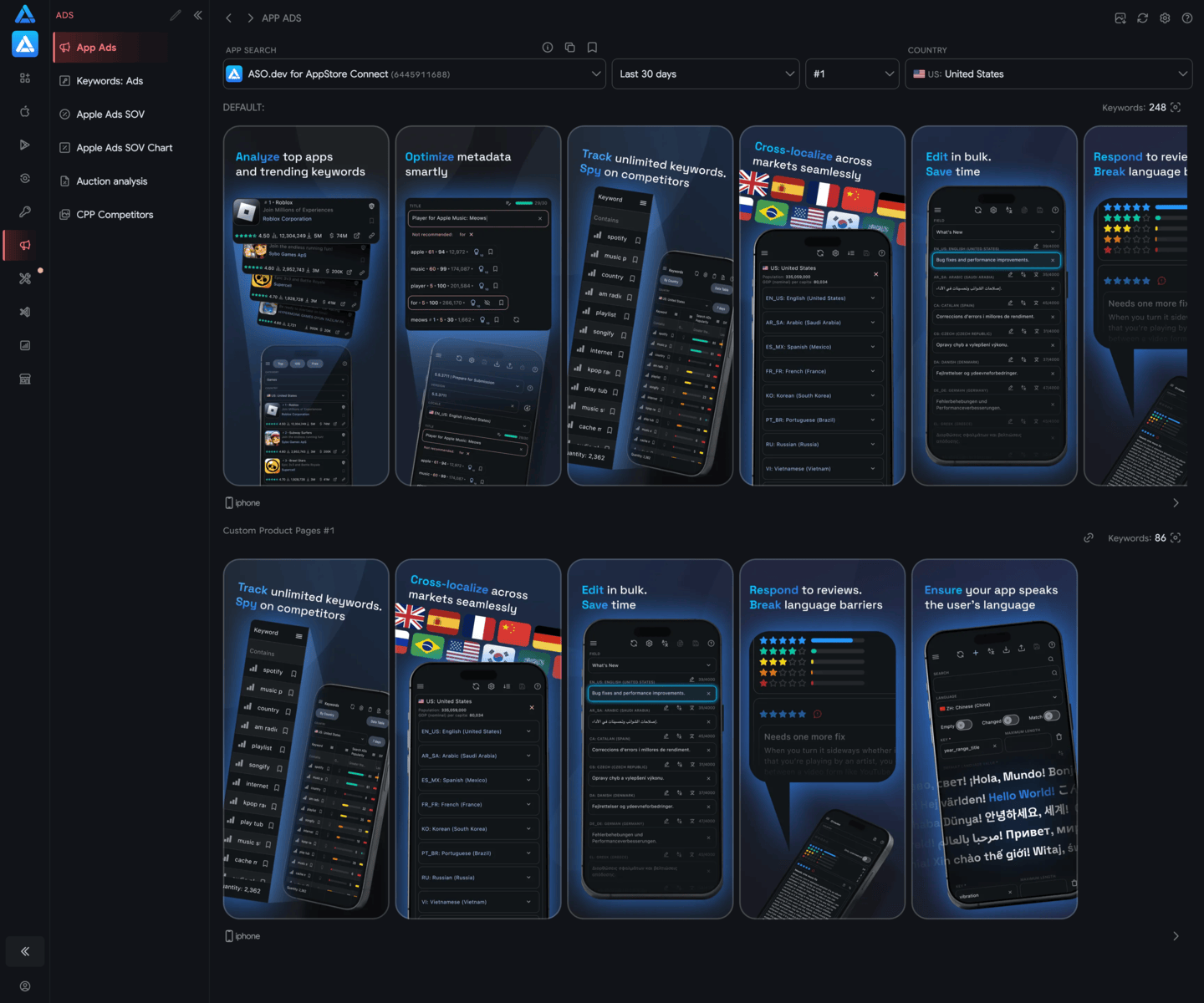
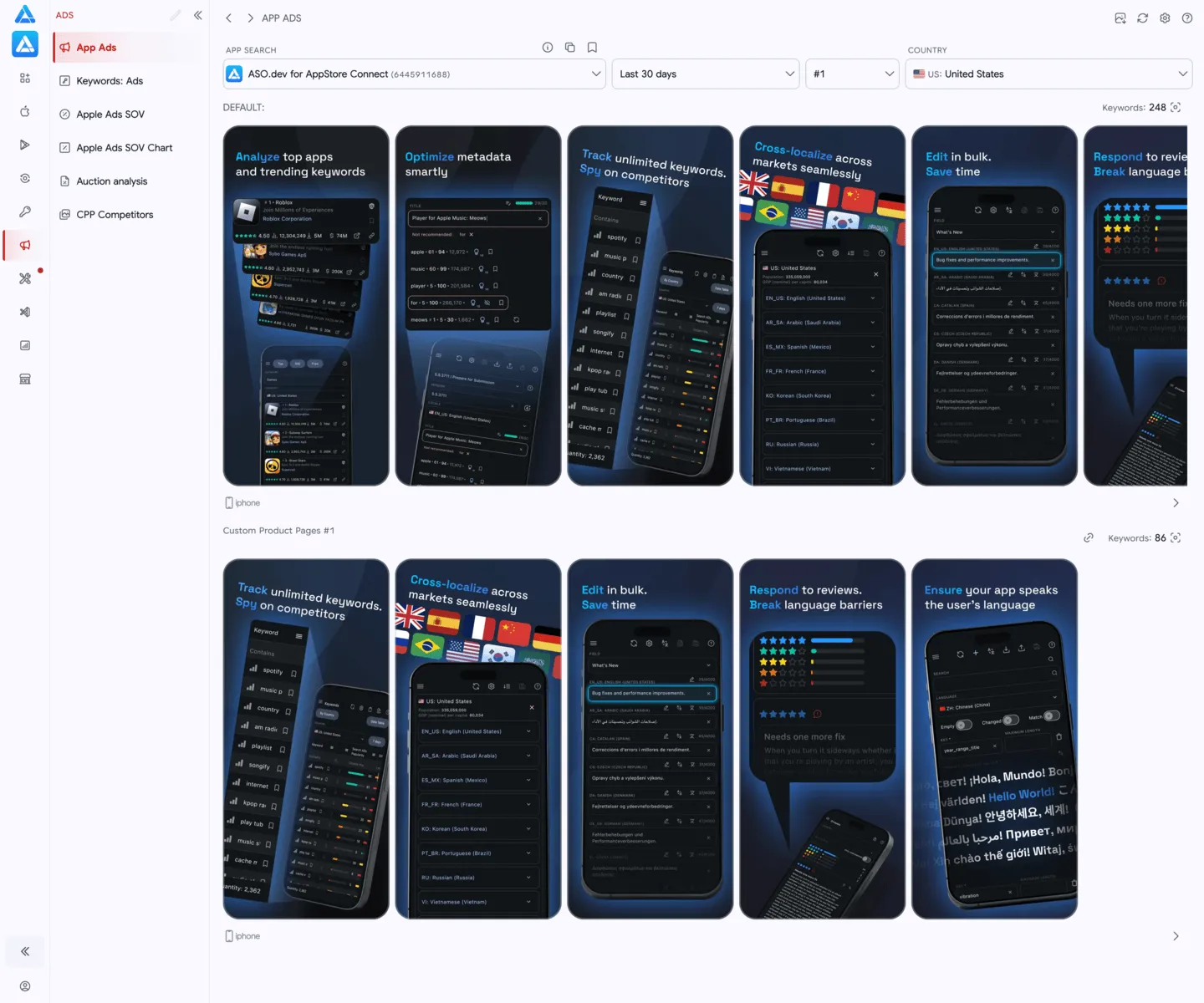
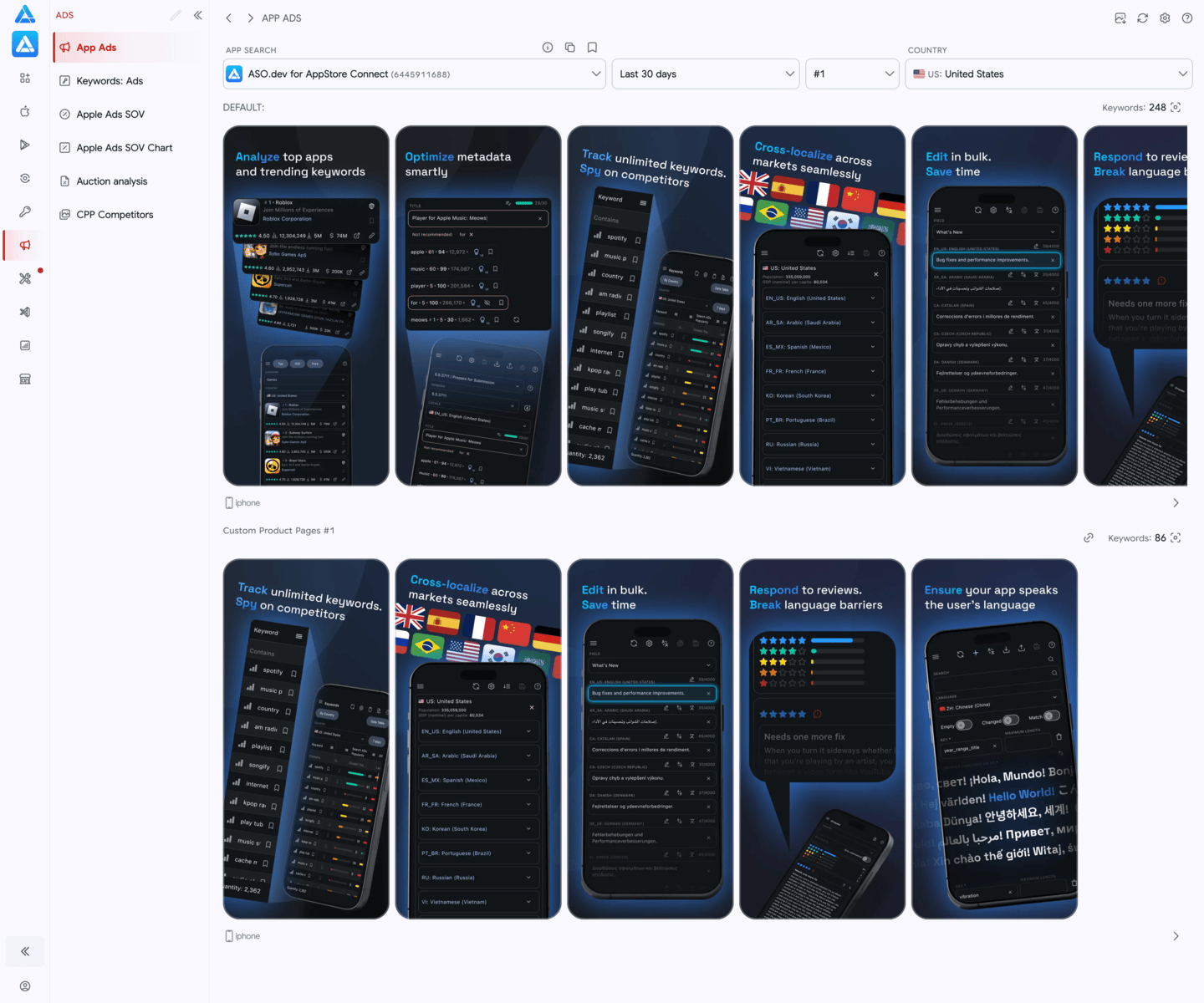
The “App Ads” feature in ASO.dev allows you to see how any app is advertised in the App Store - in which country, with which images (creatives), and for which keywords.
Ads 1 and Ads 2 in Search Results
Since March 2026, one App Store Search Results page for a keyword can include two ad slots within this placement. ASO.dev tracks both: Ads 1 is the top Search Results ad, and Ads 2 is the second Search Results ad slot in the same results page (the 3rd overall result position).
How App Ads Work in ASO.dev
Section titled “How App Ads Work in ASO.dev” Reload the data
Settings: App settings for customization.
Help: Navigate to the documentation.
Just select the app and the country where you want to view the ads.
Browse the ad images that the App Store shows to users and that we have been able to collect since July 1, 2024.
They may vary by country.
The collected results include Ads 1 and Ads 2 from the Search Results placement, not only the first ad at the top of the results.
Next to each creative, you’ll see how many keywords it is shown for.
Click on the number - and you’ll go to the detailed list of these keywords.
All creatives can be viewed on other available platforms, and you can view and save them to your computer.
Why you need this
Section titled “Why you need this”- See how competitors advertise
- Understand what works best - which creatives and which keywords
- Make your ads better - get inspired by examples, take ideas