
Create an Apple Account for Apple Developer
Apple Developer Program enrollment starts with a normal Apple Account. Apple ID is now called Apple Account, but the login is still the same email address or phone number and password.
Use this guide when you need a fresh Apple Account for a new Apple Developer Program membership, especially if Apple blocks account creation with the message “your account cannot be created at this time” or the phone verification code does not arrive.
Before You Create the Account
Section titled “Before You Create the Account”Prepare the account as if it will become the long-term owner of the developer membership:
- Use an email address you control and can keep long term.
- Use the real legal first and last name of the person who will enroll.
- Keep access to the phone number used for verification and recovery.
- Do not use an email address or phone number that is already attached to another Apple Account.
- Turn on two-factor authentication before starting Apple Developer Program enrollment.
For an organization enrollment, Apple recommends using an email address from the organization’s domain. The person enrolling becomes the Account Holder and must have authority to bind the organization to Apple’s agreements. Prepare the organization’s legal name, D-U-N-S Number, work email, phone number, and public website before enrolling.
Create the Apple Account
Section titled “Create the Apple Account”The simplest path is the web flow:
- Open account.apple.com.
- Click Create Your Apple Account.
- Enter the legal name, birthday, country or region, email address, password, and phone number.
- Verify the email address and phone number.
- Sign in on an iPhone, iPad, or Mac if possible, so the device becomes trusted for two-factor authentication.
- After the Apple Account is active, continue to Apple Developer Program enrollment.
If web creation fails, try creating the account from an Apple device:
- On Mac: System Settings -> Sign in -> Don’t Have an Account?
- On iPhone or iPad: Settings -> Sign in -> Forgot password or don’t have an account?
- In the App Store app: sign out first, then use Create New Apple Account.
Apple also allows creation through Apple apps on Windows, such as Apple Music or Apple TV.
If Creation Is Blocked
Section titled “If Creation Is Blocked”Common symptoms:
- “your account cannot be created at this time”
- “The maximum number of free accounts have been activated”
- SMS or phone verification code does not arrive
- the email address or phone number is unavailable
Try these before opening a chat:
- Use a different creation method: Apple device, App Store app, Apple Music or Apple TV, or account.apple.com.
- Update the Apple device or Apple app that is used for account creation.
- Try a different network, for example cellular data instead of Wi-Fi.
- Stop requesting verification codes repeatedly. Too many attempts can make the limit worse.
- If the email or phone number is already in use, reset the existing Apple Account password or choose a different email or phone number.
- If one device has already activated too many free accounts, try another iPhone, iPad, or Mac.
If this is a developer-account setup and you cannot wait, go to Apple Support chat.
Contact Apple Support Chat
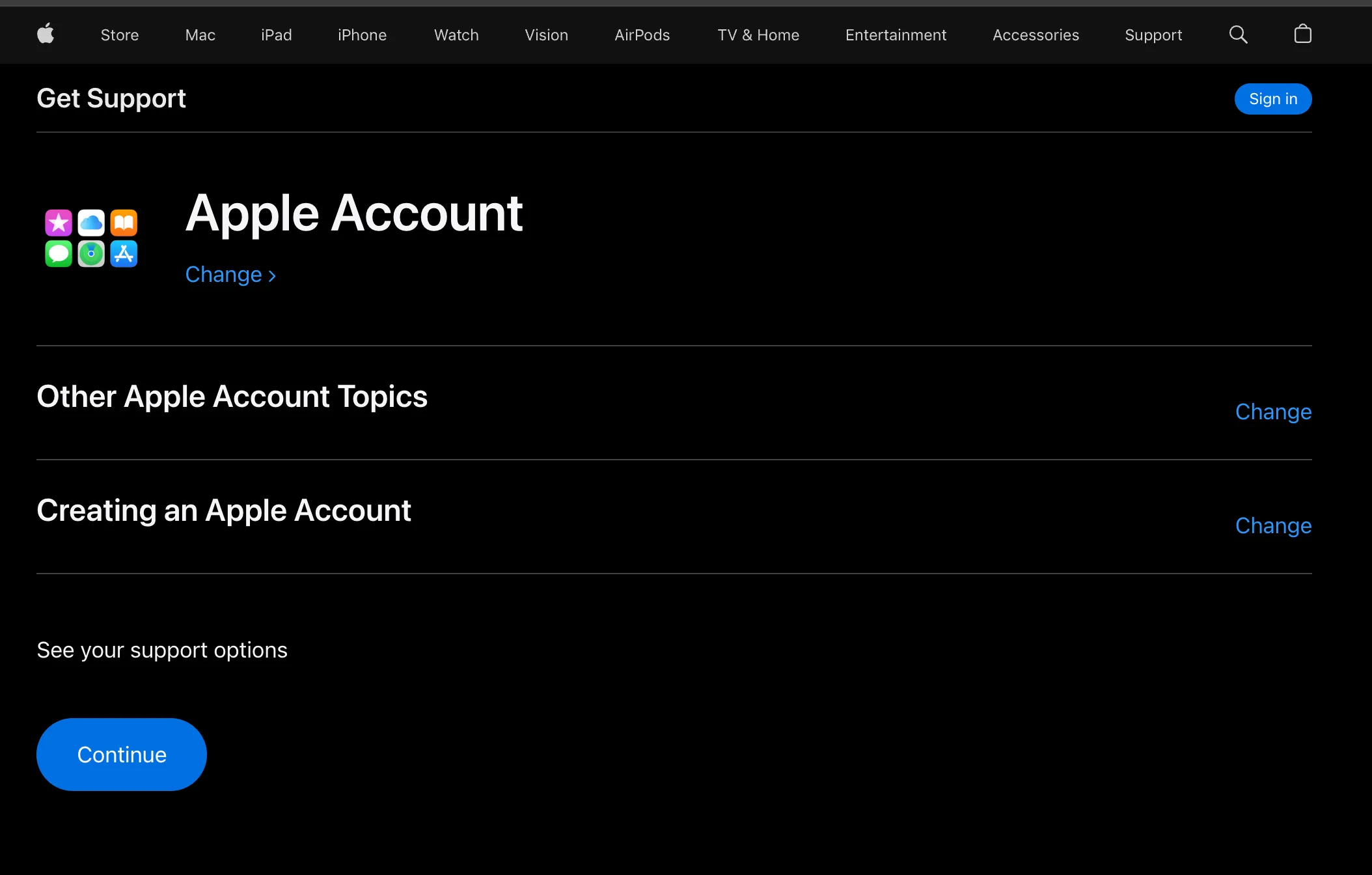
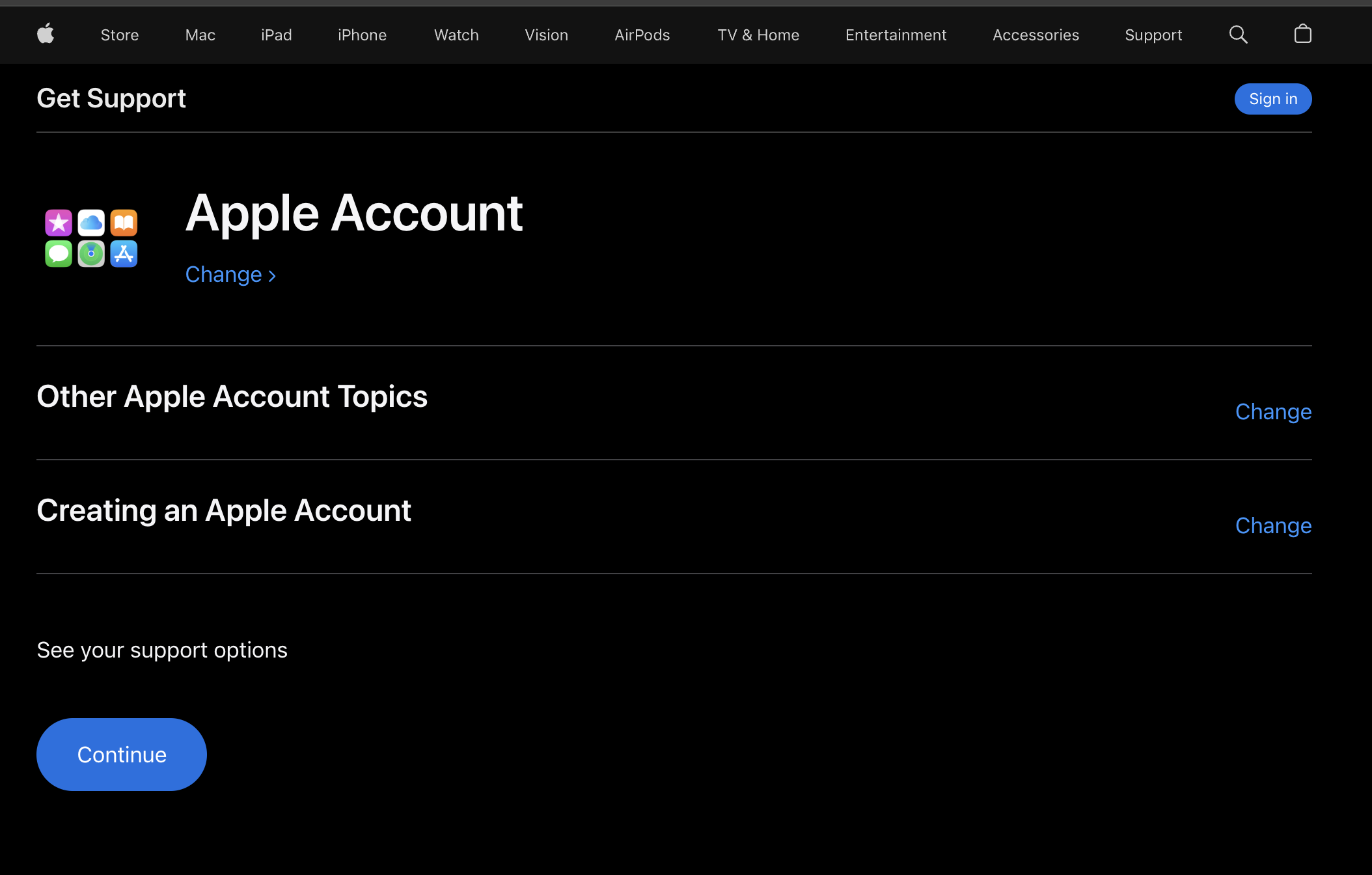
Section titled “Contact Apple Support Chat”Open Apple Get Support and use this route:
- Select Apple Account.
- Select Other Apple Account Topics.
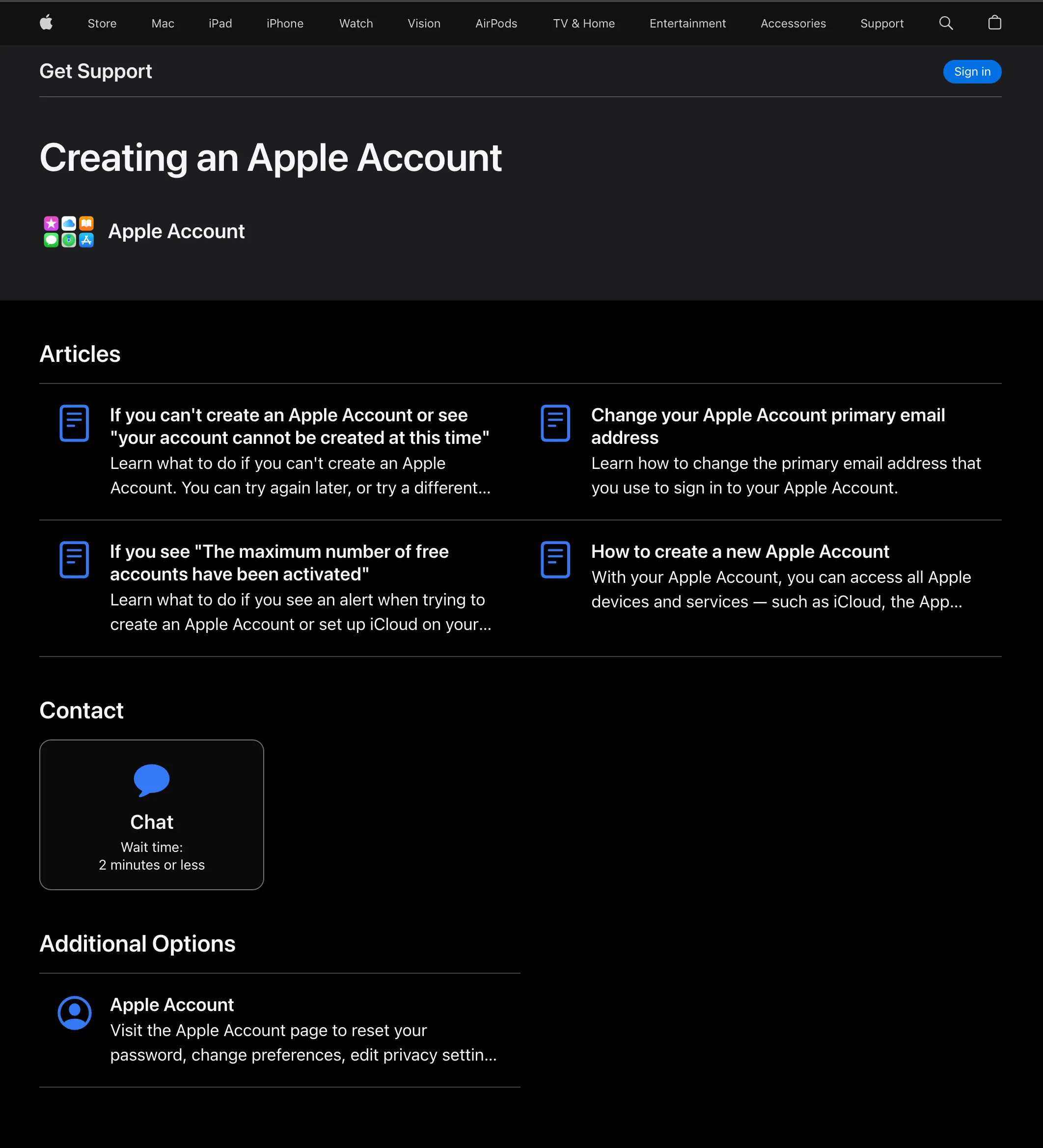
- Select Creating an Apple Account. If Apple’s support UI shows another Other Apple Account Topics option instead, choose that.
- Click Continue.
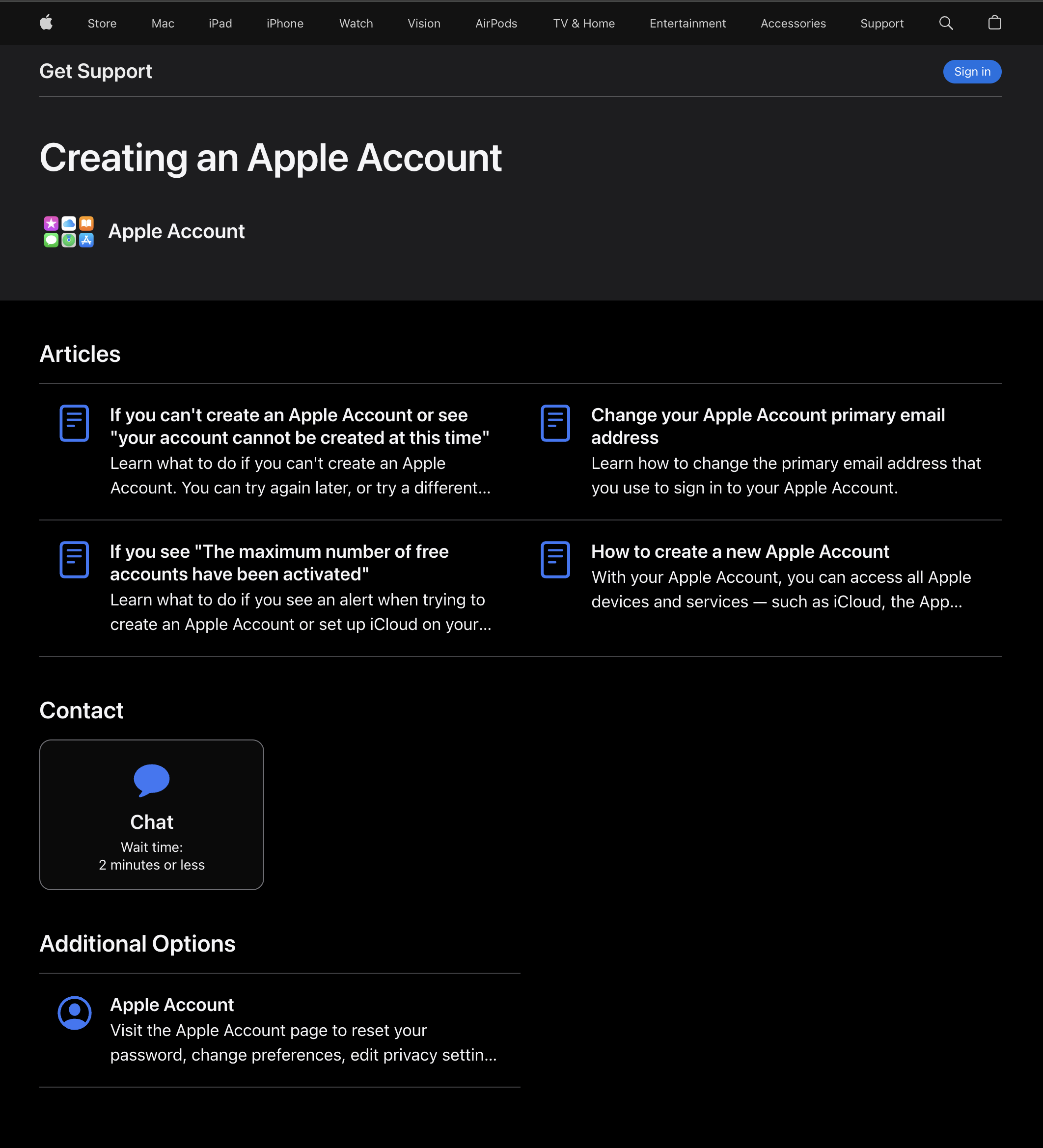
- In Contact, choose Chat.
What To Write In The Chat
Section titled “What To Write In The Chat”Keep the message short and specific. Mention the developer enrollment reason, the exact error, and what you already tried.
Hello. I need to create a new Apple Account so I can enroll in the Apple Developer Program.
When I try to create it, I see "your account cannot be created at this time" and/or the phone verification code does not arrive.
I already tried account.apple.com, an Apple device, another browser, and another network. Could you check whether anything on Apple's side is preventing this Apple Account from being created?
In a real Apple Support chat, support may ask what steps you tried and then make adjustments on Apple’s side. If that happens, try creating the Apple Account again while the chat is still open and confirm whether it works.
After The Account Is Created
Section titled “After The Account Is Created”Do these before starting or continuing the developer enrollment:
- Sign in on a trusted iPhone, iPad, or Mac.
- Confirm two-factor authentication works.
- Save recovery information in a secure place.
- If this is an organization membership, keep the Account Holder’s Apple Account under long-term company control.
- After App Store Connect access is active, invite at least one backup Admin user.