
Explore
For memberships with access to the ASO analysis: Indie, Pro and Marketing
Getting Started
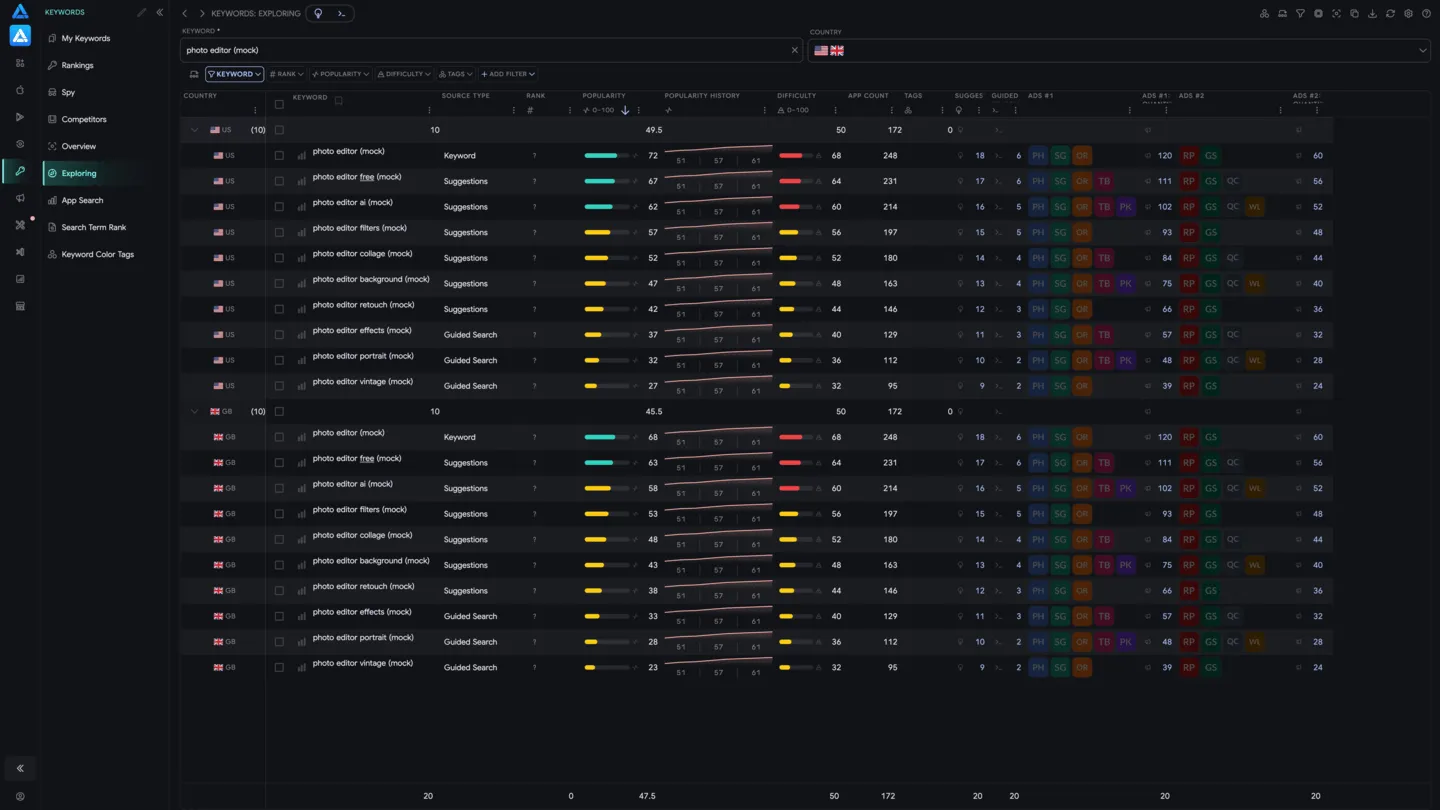
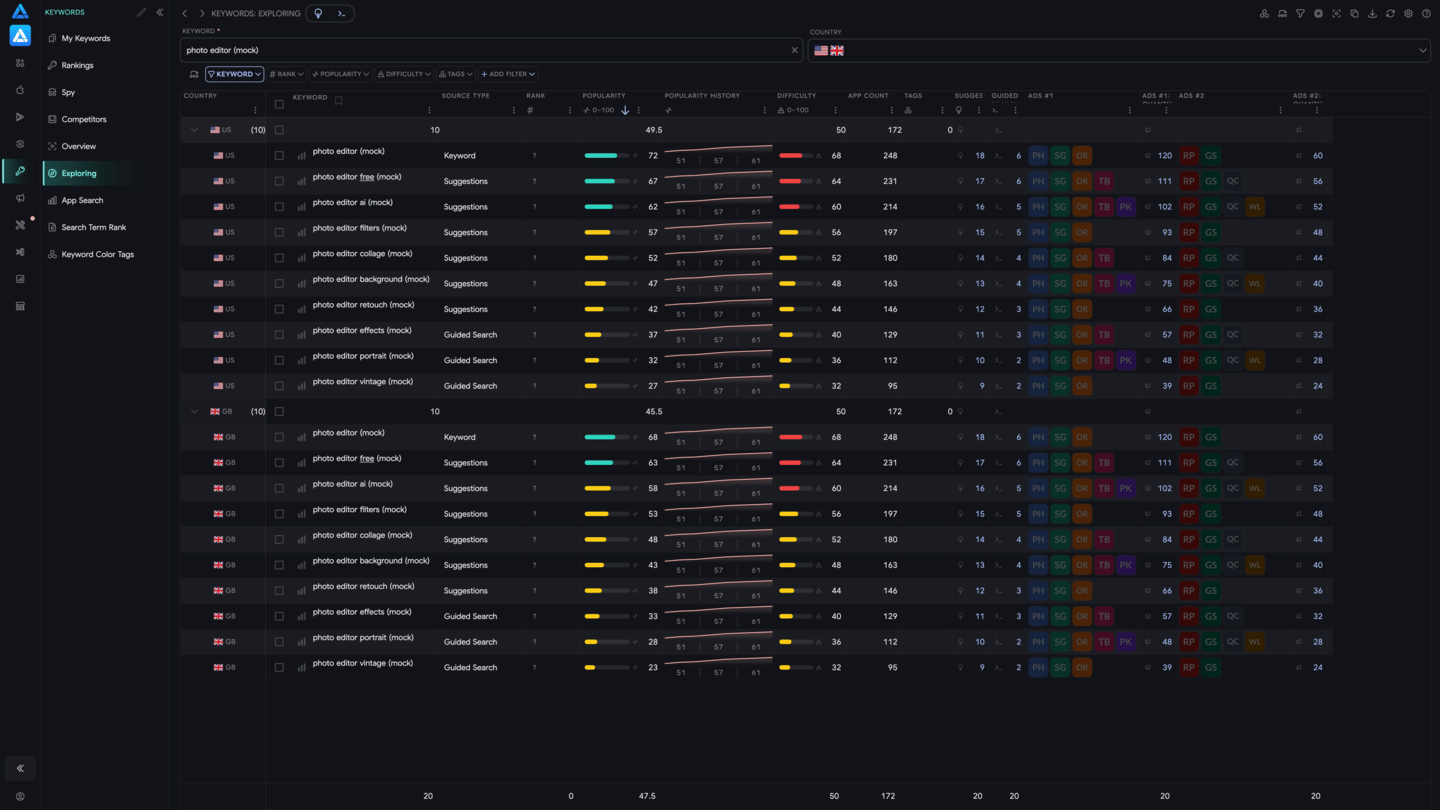
Section titled “Getting Started”- Enter the keyword you’re interested in into the top search field.
- Select the countries you want to analyze.
- Review the popularity trend chart.
- Explore available suggestions and guided search tags.
- Save relevant keywords directly to your workspace.
Popularity History
Section titled “Popularity History”The chart shows how the keyword’s popularity has changed in Apple Search Ads - from steady growth to sudden drops. This helps you evaluate the keyword’s trendiness and choose the right moment for optimization.
Suggestions
Section titled “Suggestions”ASO.dev collects and displays all autocomplete suggestions from the App Store.
Guided Search
Section titled “Guided Search”Guided Search refers to the “facets” that appear below the search bar in the App Store. We detect and store all tags shown when searching for a given keyword.
This is a powerful source of ideas for:
- Additional keywords
- A/B testing in Product Page Optimization (PPO)
- Creating Custom Product Pages (CPP) with precise targeting