
01
Localize the listing in bulk
Edit titles and descriptions across locales, fill missing translations, and validate fields before saving.
Google Play release automation
Prepare store listings, AAB/APK releases, screenshots, subscriptions, pricing, and unlimited AI review replies in one workflow for your team—or your solo app.
3-day trial · Cancel anytime
From listing to rollout
Move metadata, media, builds, rollout settings, products, and customer feedback through dedicated Google Play workflows.
A workflow you can repeat
Connect Google Play securely, prepare related changes together, and send only the work your team has reviewed.
Use scoped Google Play service-account permissions. Requests run directly from your device—or through the dedicated proxy assigned to that workspace—not through ASO.dev servers.
Work across locales, builds, products, prices, screenshots, and reviews without losing the selected app.
Validate the draft, synchronize current console data, then save or submit the approved change.
Professional workflow, any team size
Give specialists a shared operating layer and indie developers a shorter path from finished build to published update.
Edit titles and descriptions across locales, fill missing translations, and validate fields before saving.
Upload AAB or APK builds, choose tracks, configure rollout, and localize What’s New from one workflow.
Manage subscriptions, base plans, offers, in-app products, prices, and country availability at scale.
Service-account credentials stay in Secure Storage on your device. Use a dedicated proxy per workspace when developer accounts need isolated IP activity.
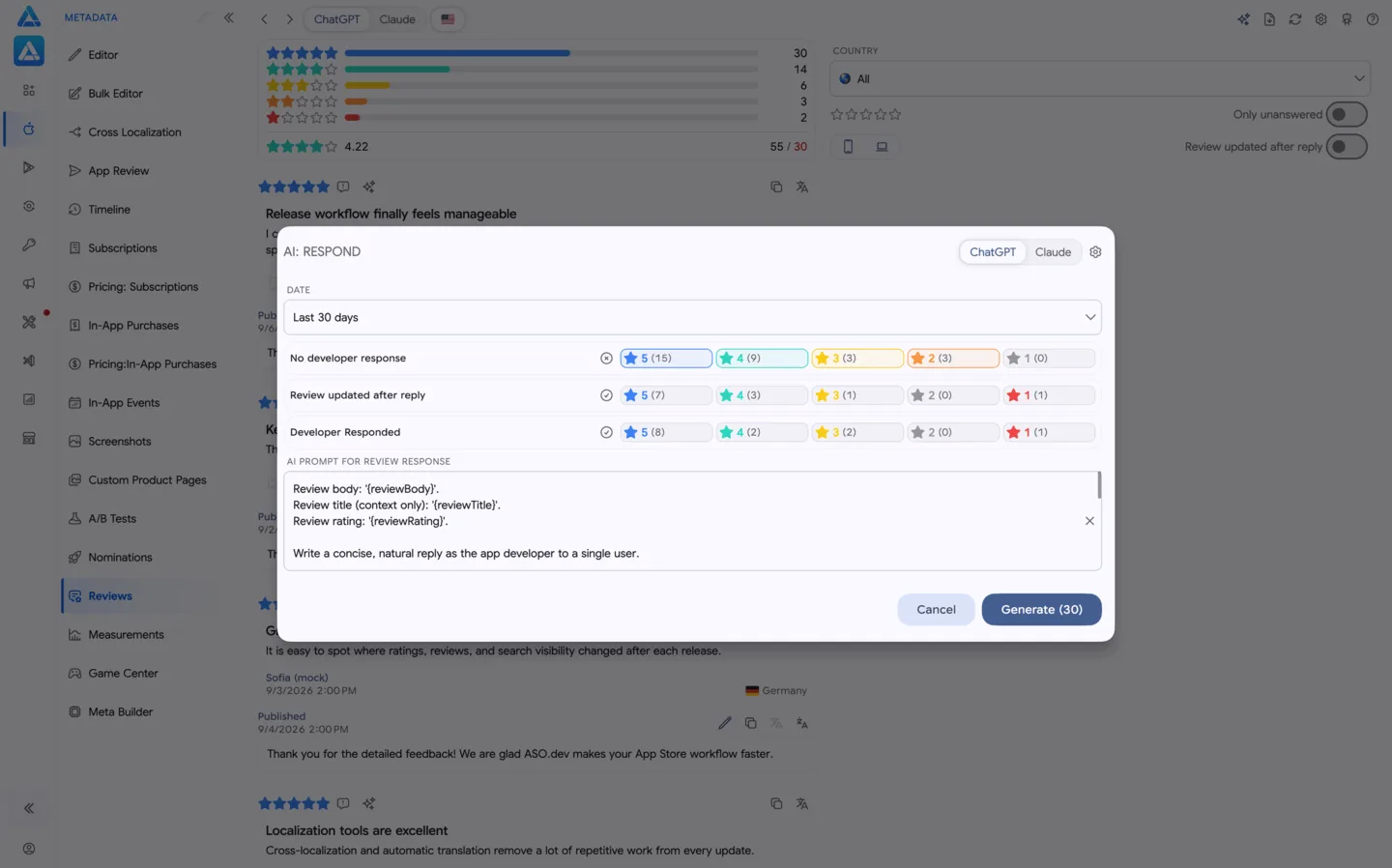
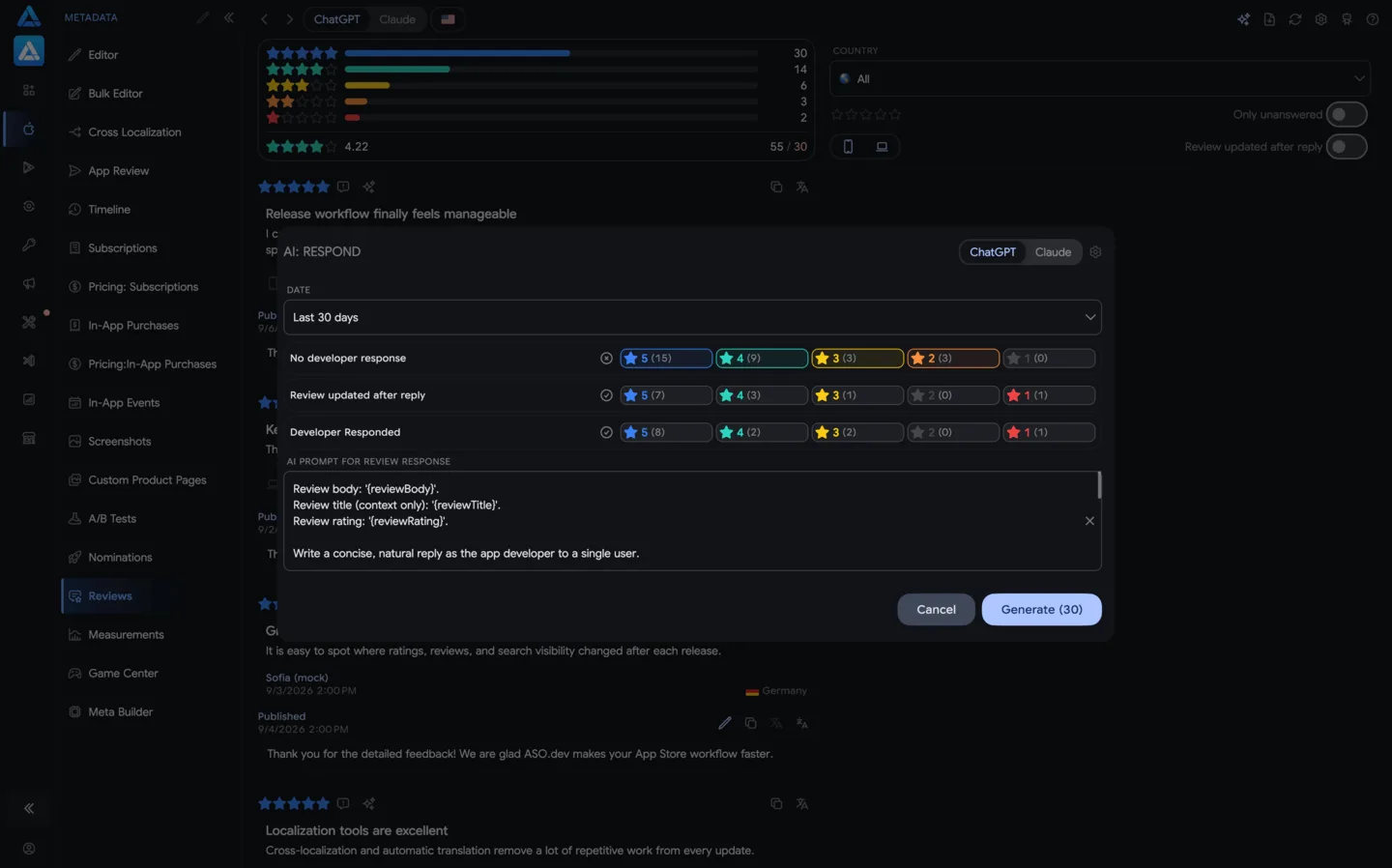
Google Play review automation
Generate unlimited AI replies for the Google Play reviews available through the API, process them in bulk, and keep human approval in the loop.
Inside the platform
Open the exact workspace you need for metadata, releases, billing products, media, pricing, or reviews.
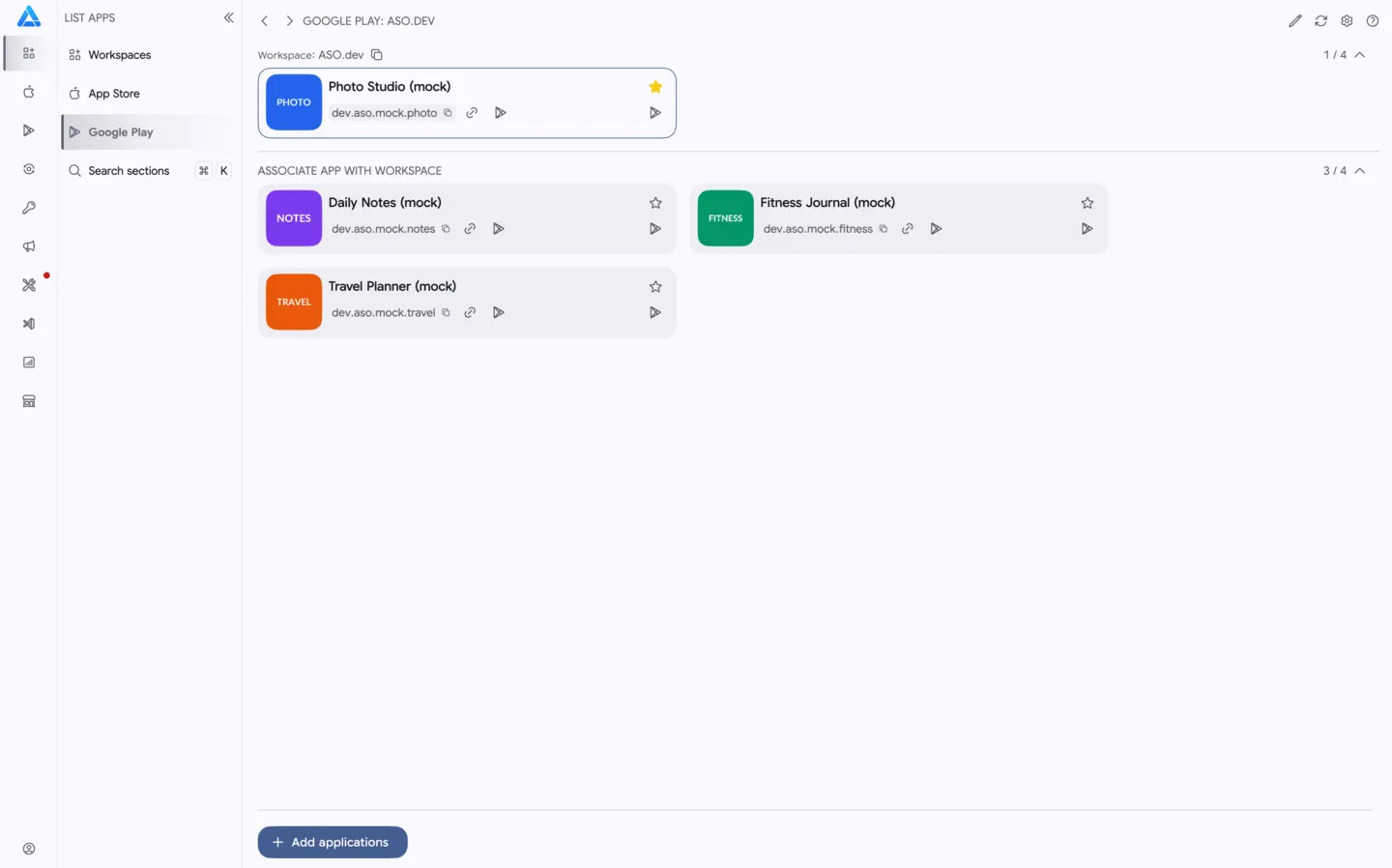
 01Google Play Metadata EditorEdit title, short description, full description, video URL, and primary locale.02Google Play Bulk EditorUpdate metadata fields across locales and auto-translate missing text.03Google Play ReleasesUpload APK/AAB builds, manage tracks, draft releases, rollout options, and localized What's New text.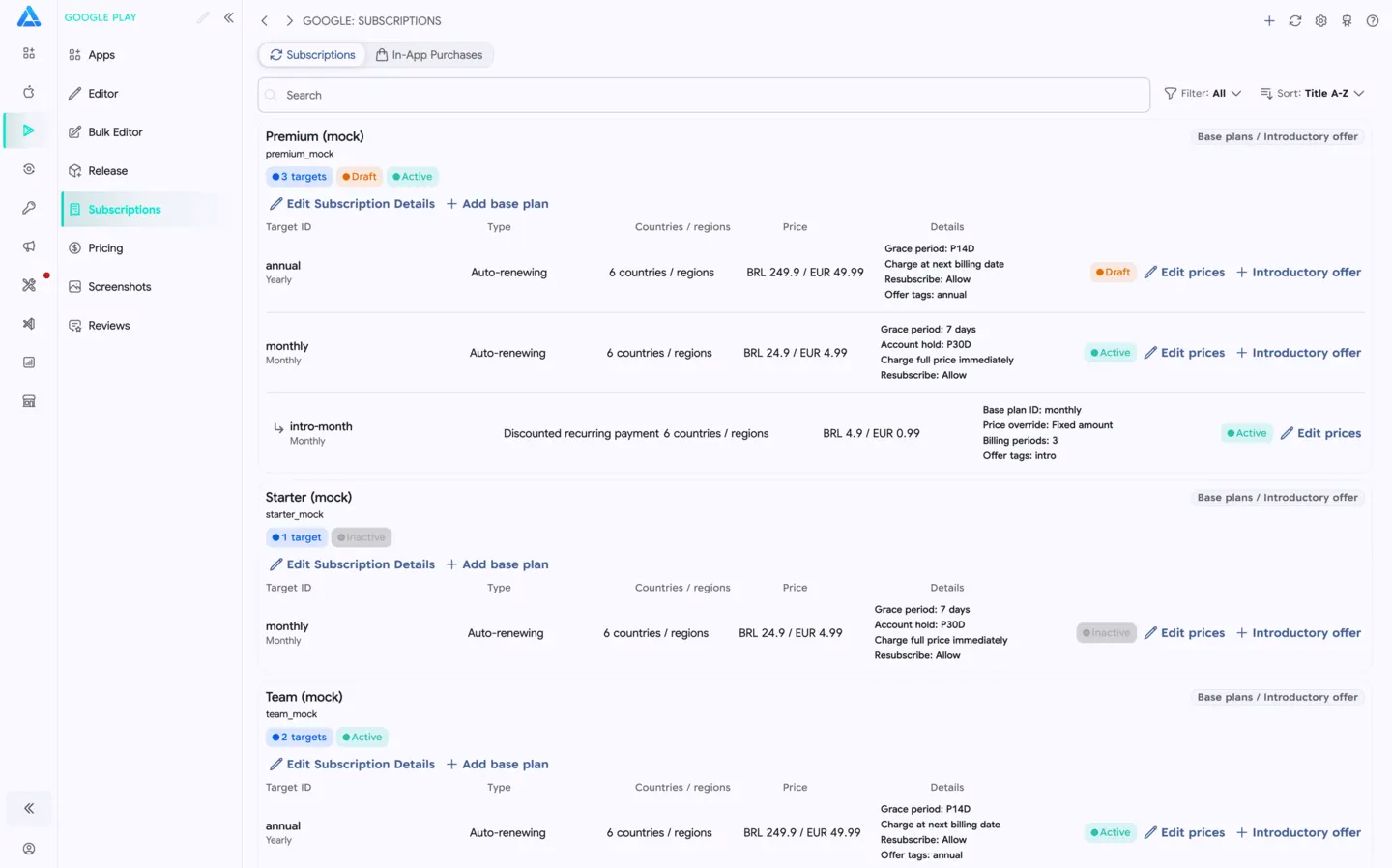
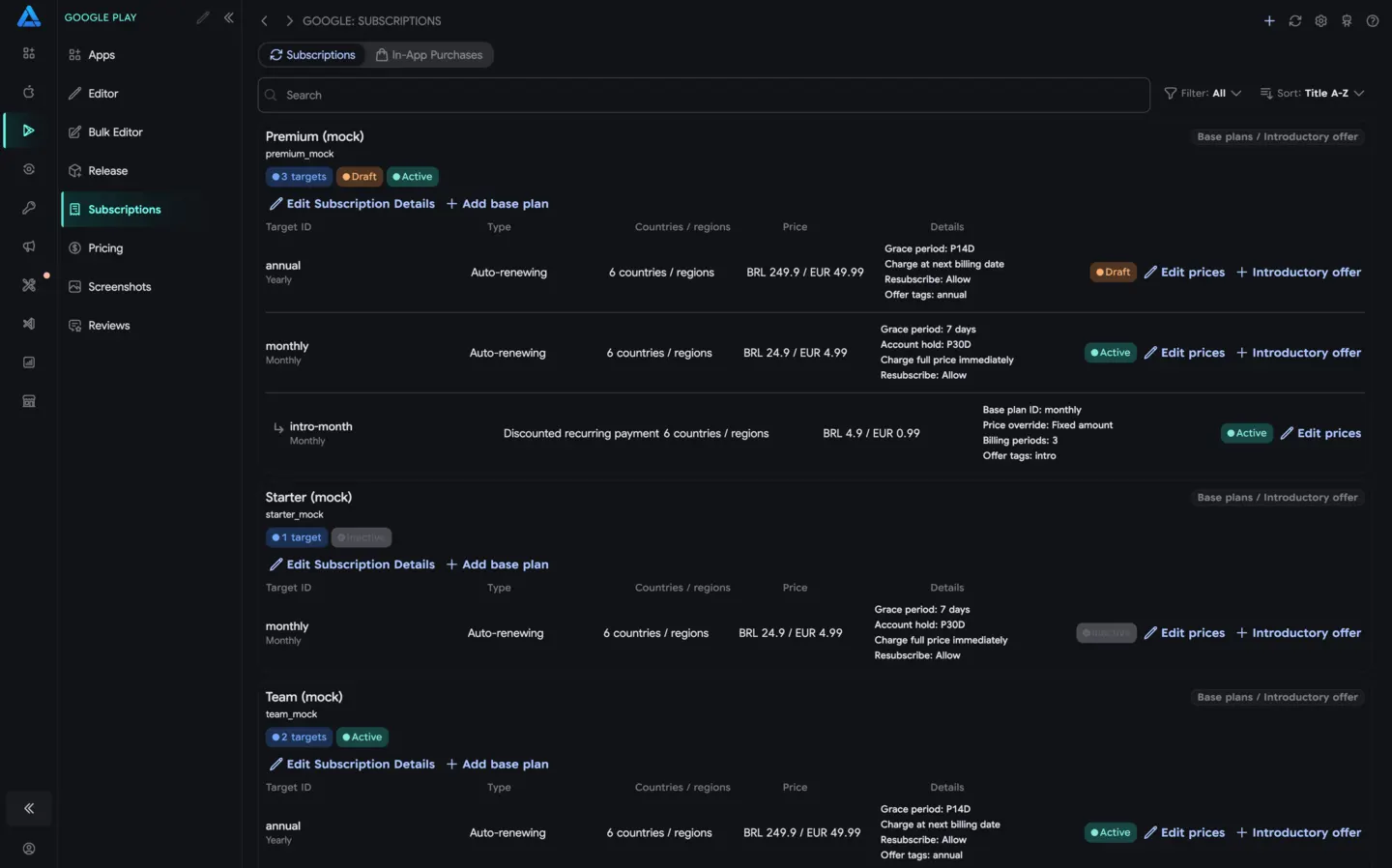 04Google Play Subscriptions and In-App PurchasesCreate and edit subscriptions, base plans, introductory offers, and in-app products.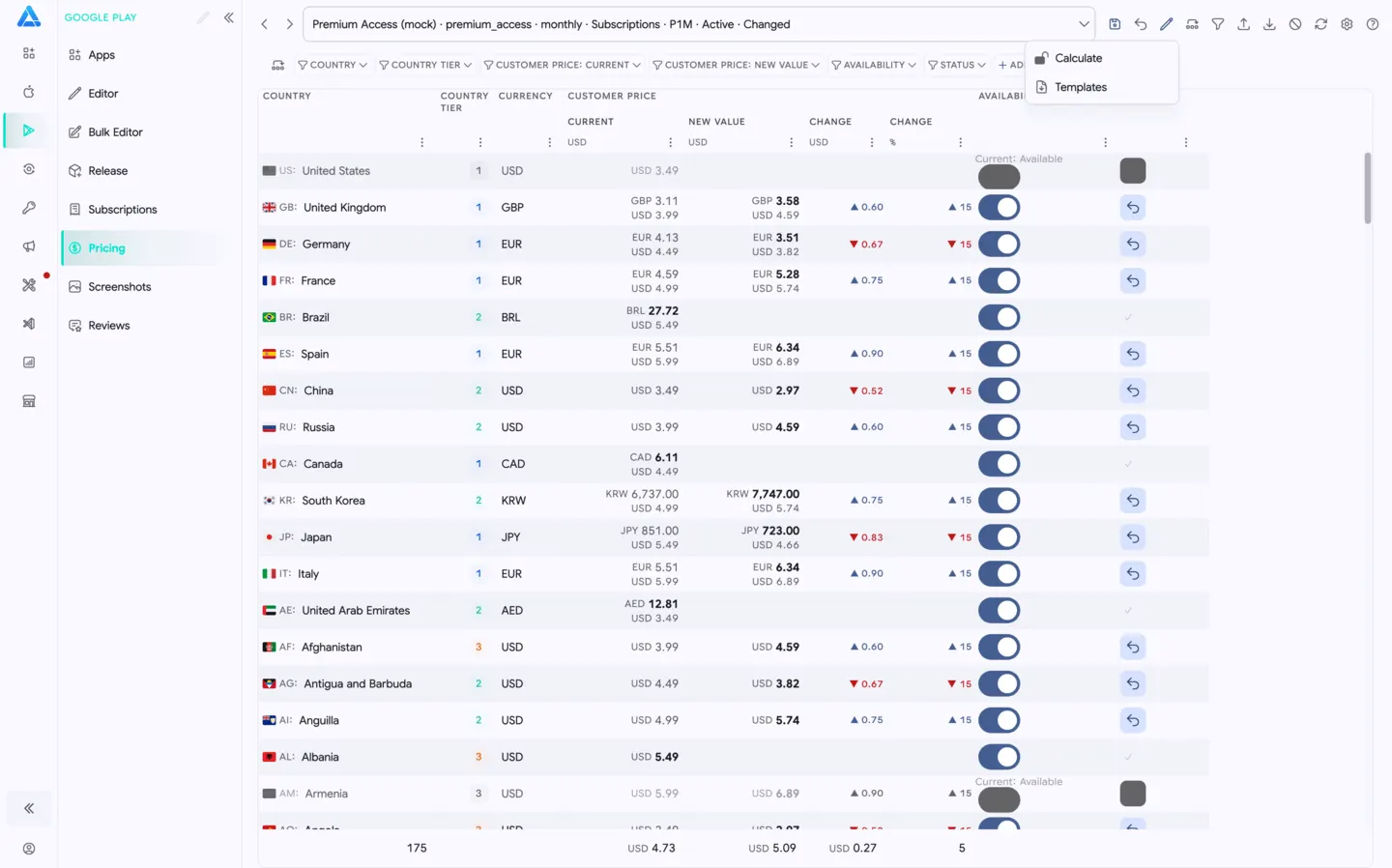
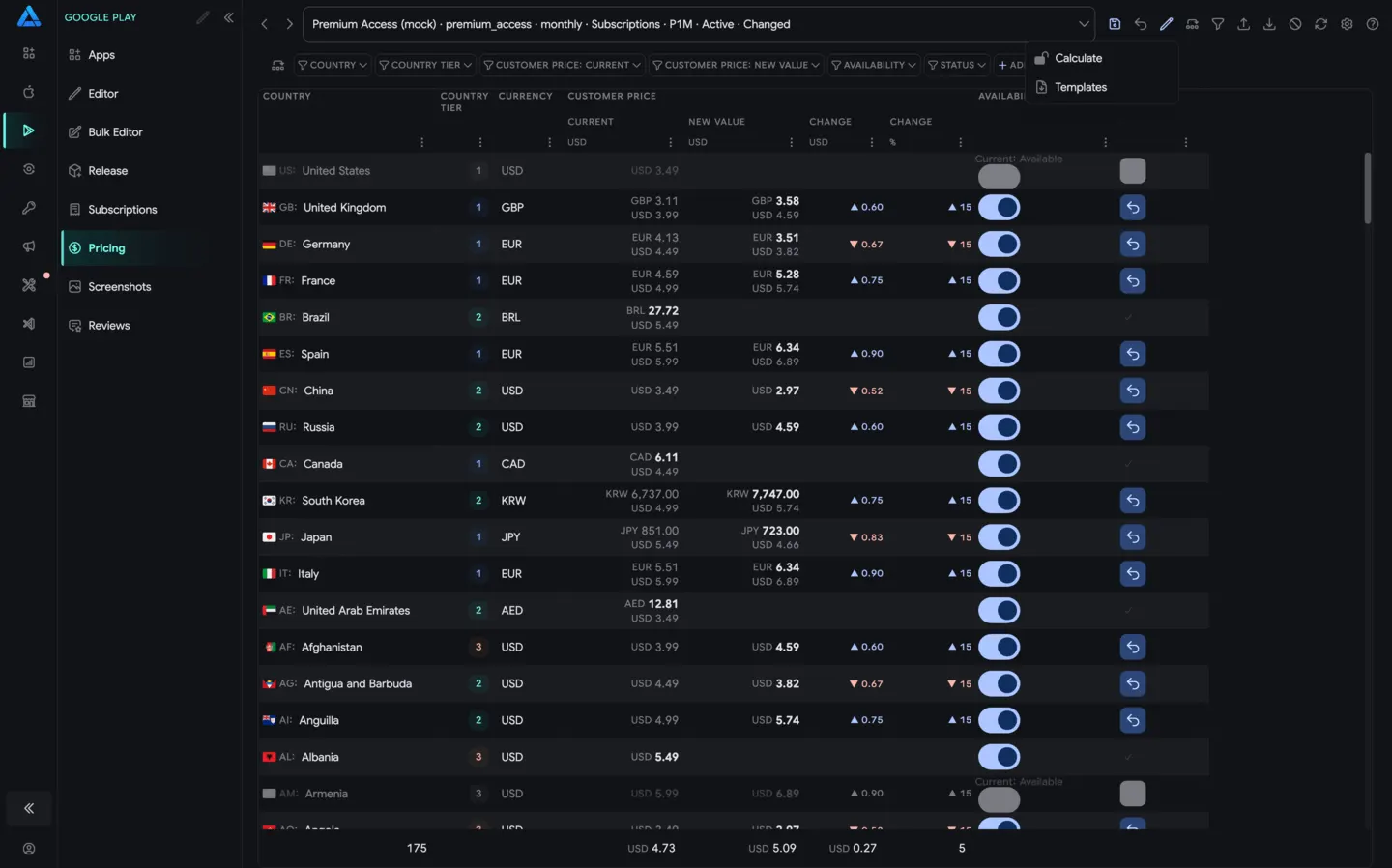 05Google Play PricingEdit Google Play prices, availability, and country-level price changes in bulk.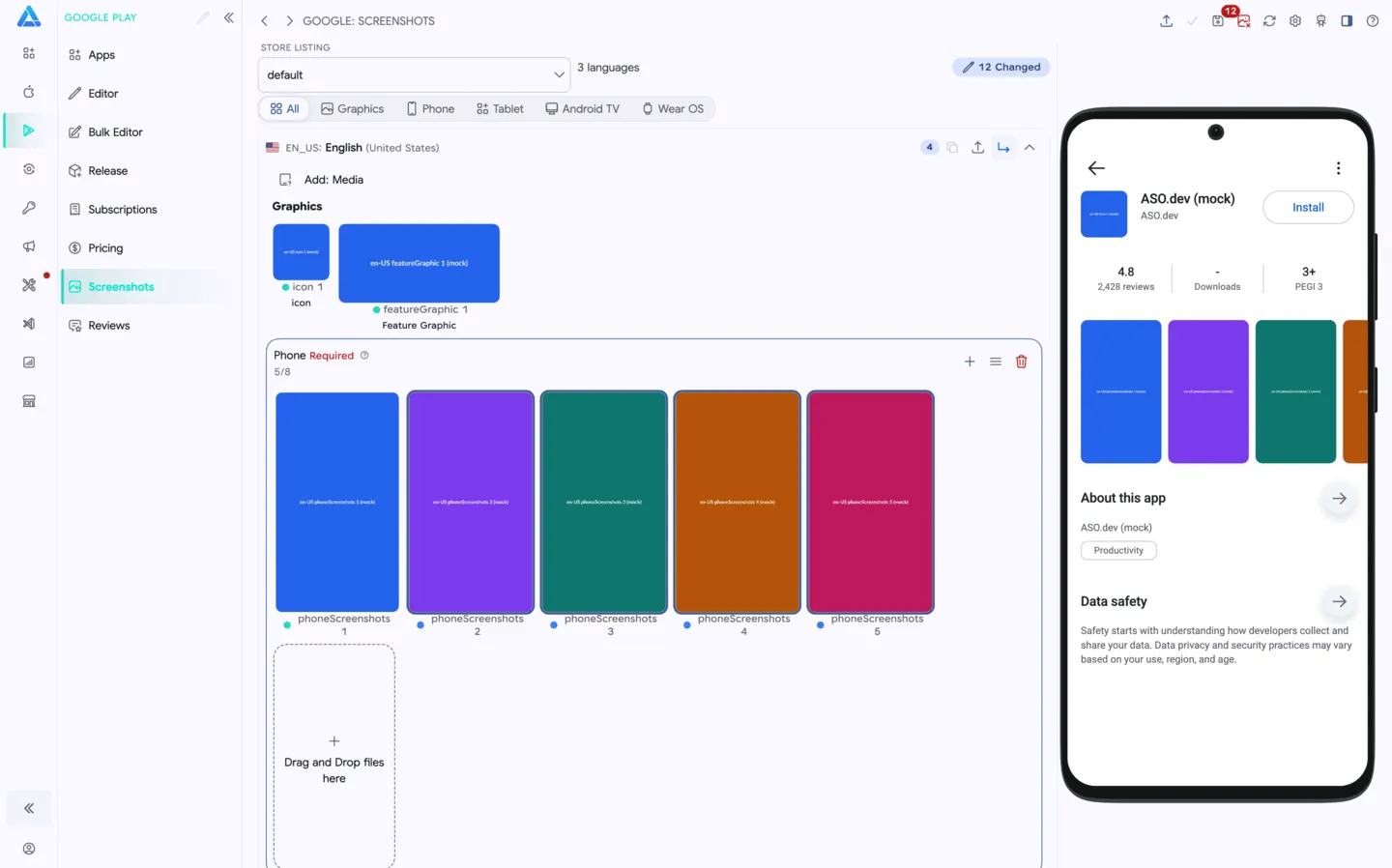
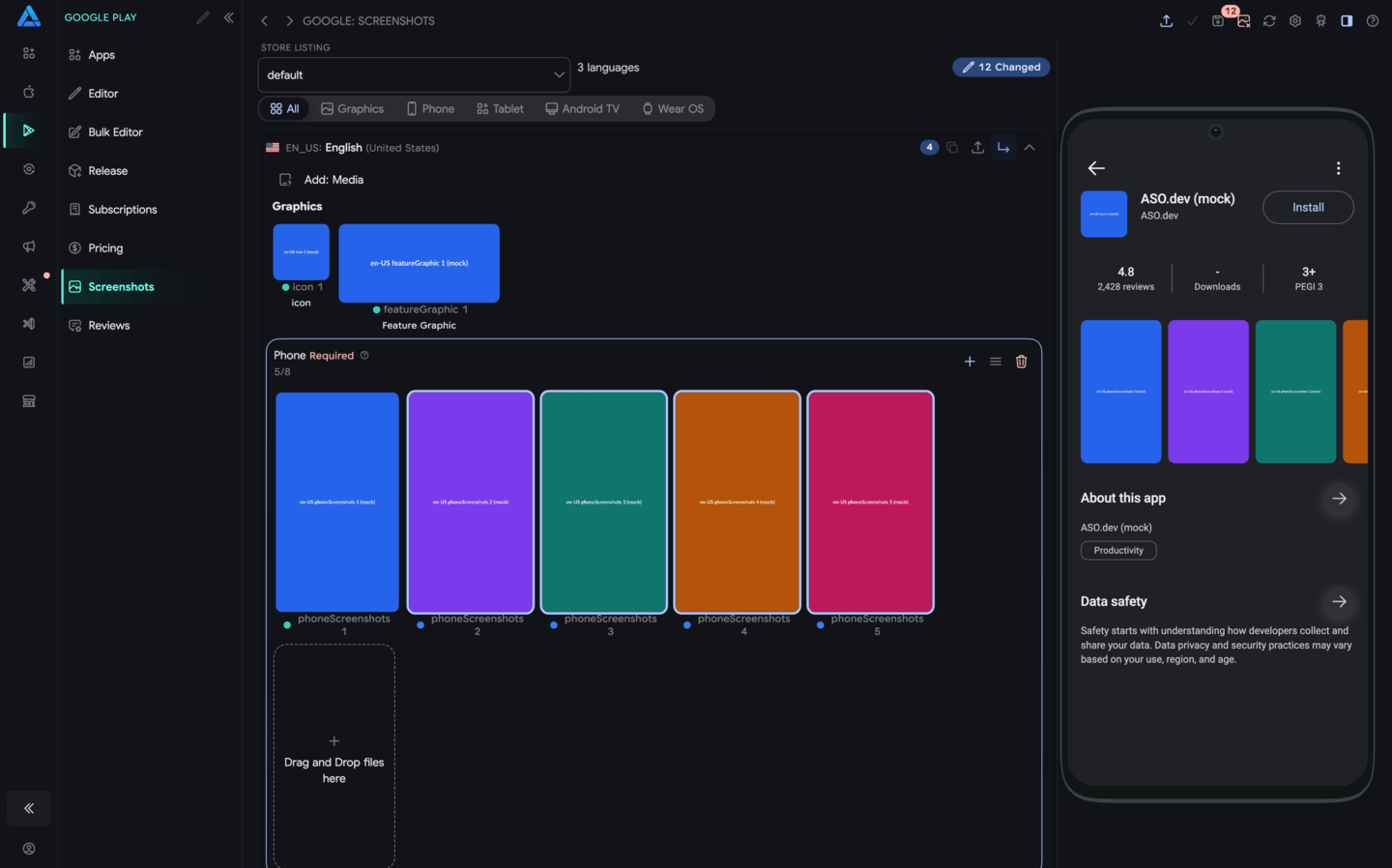
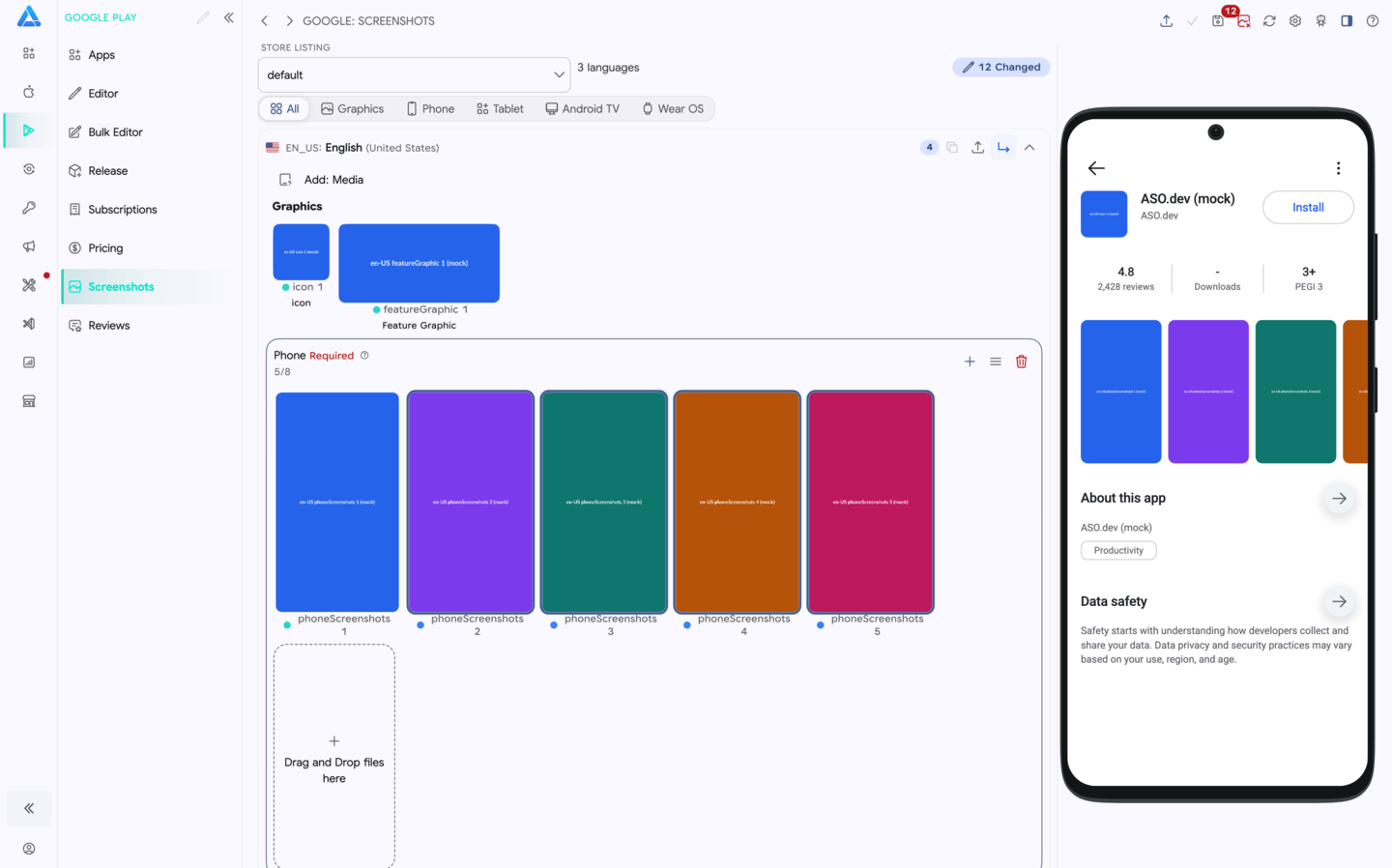
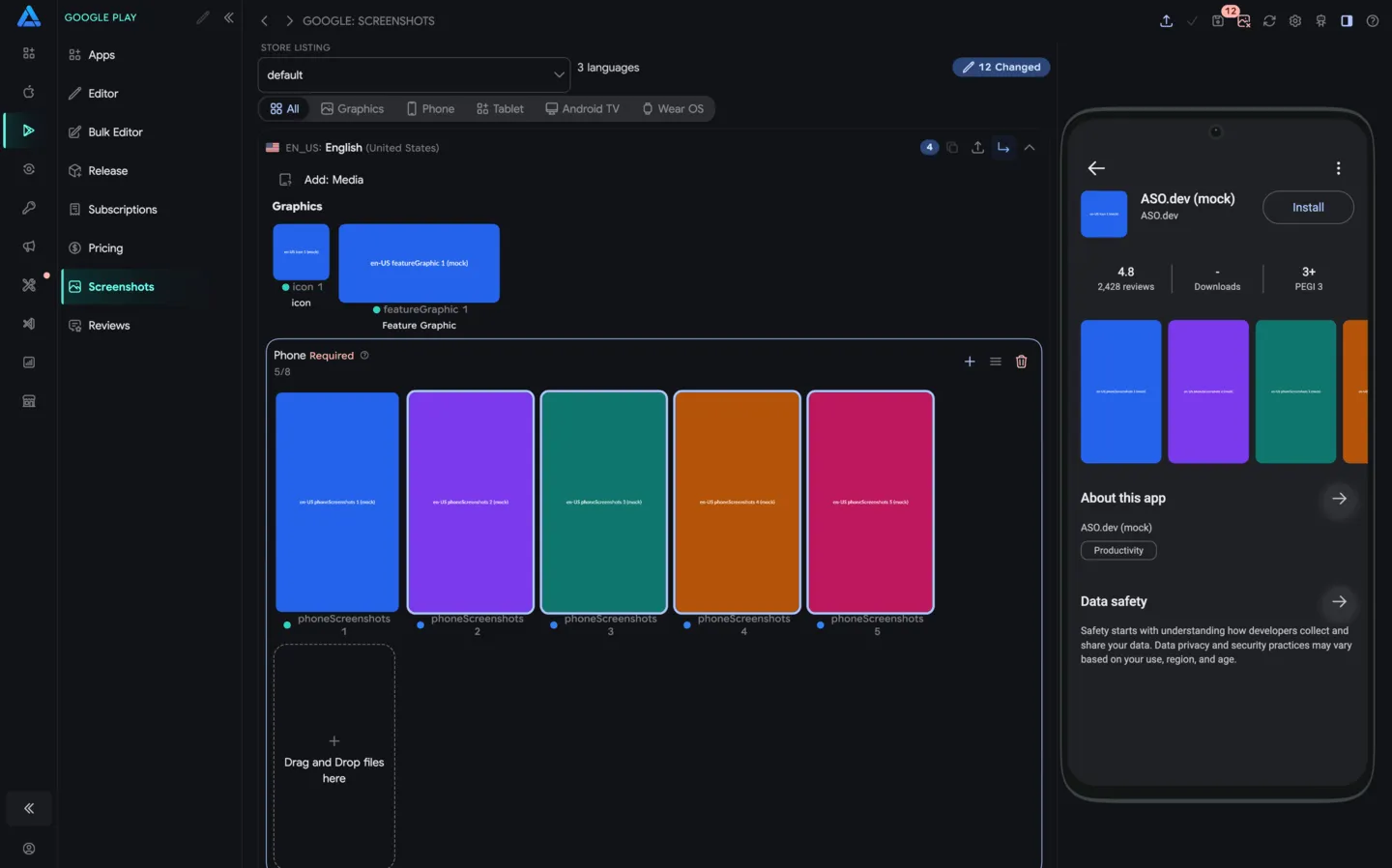
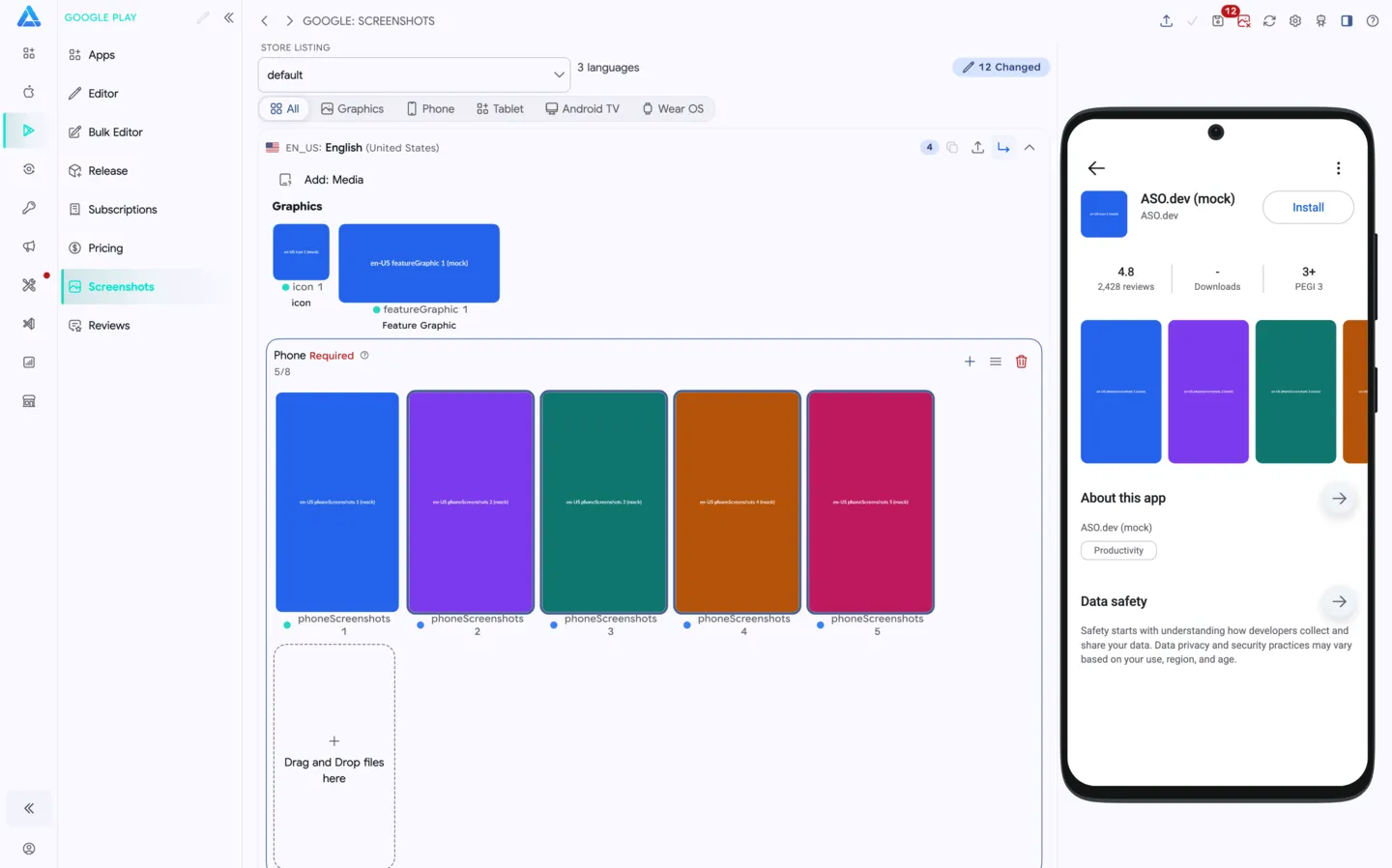
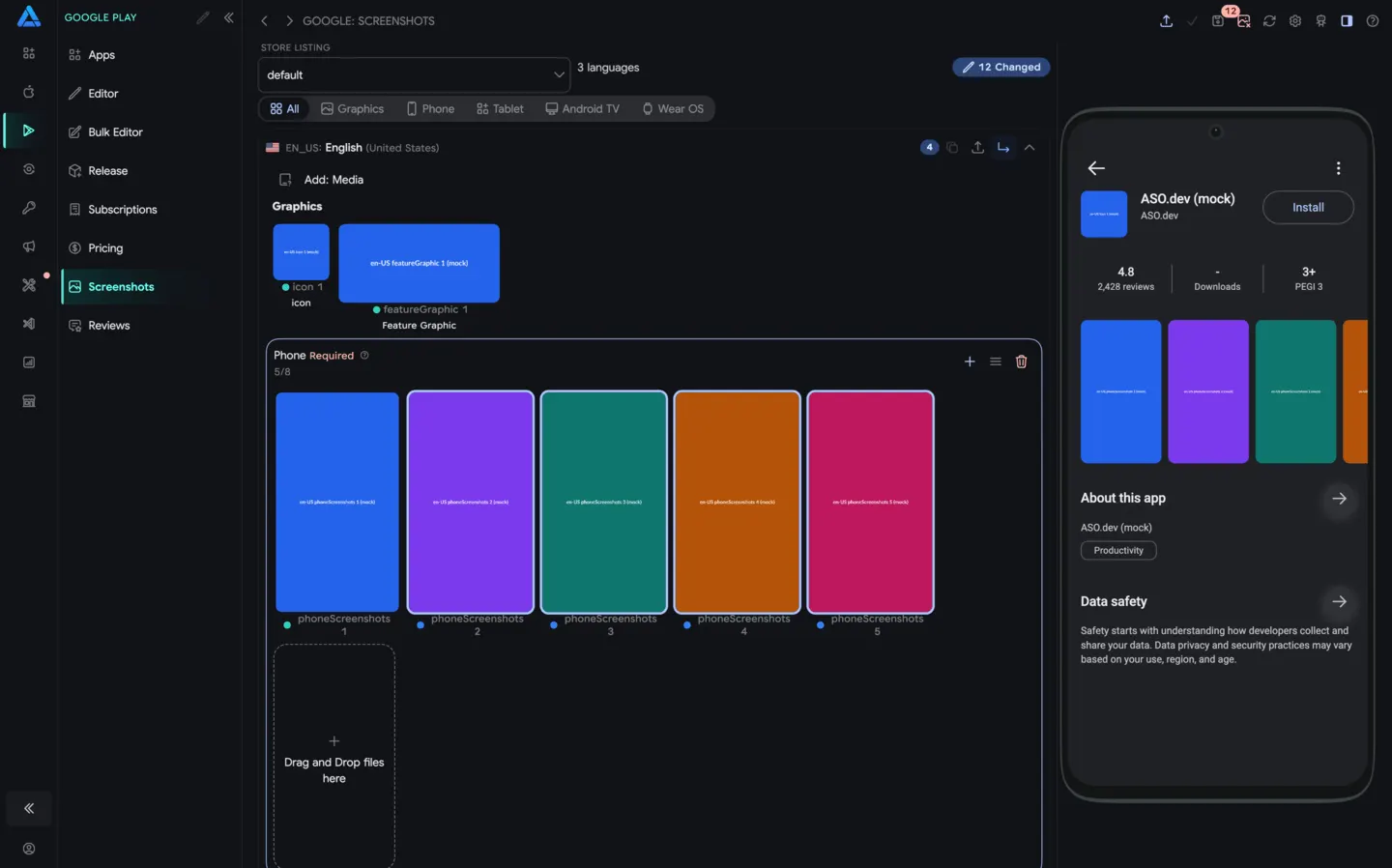 06Google Play ScreenshotsBulk upload and organize app icons, feature graphics, and screenshots across Google Play locales.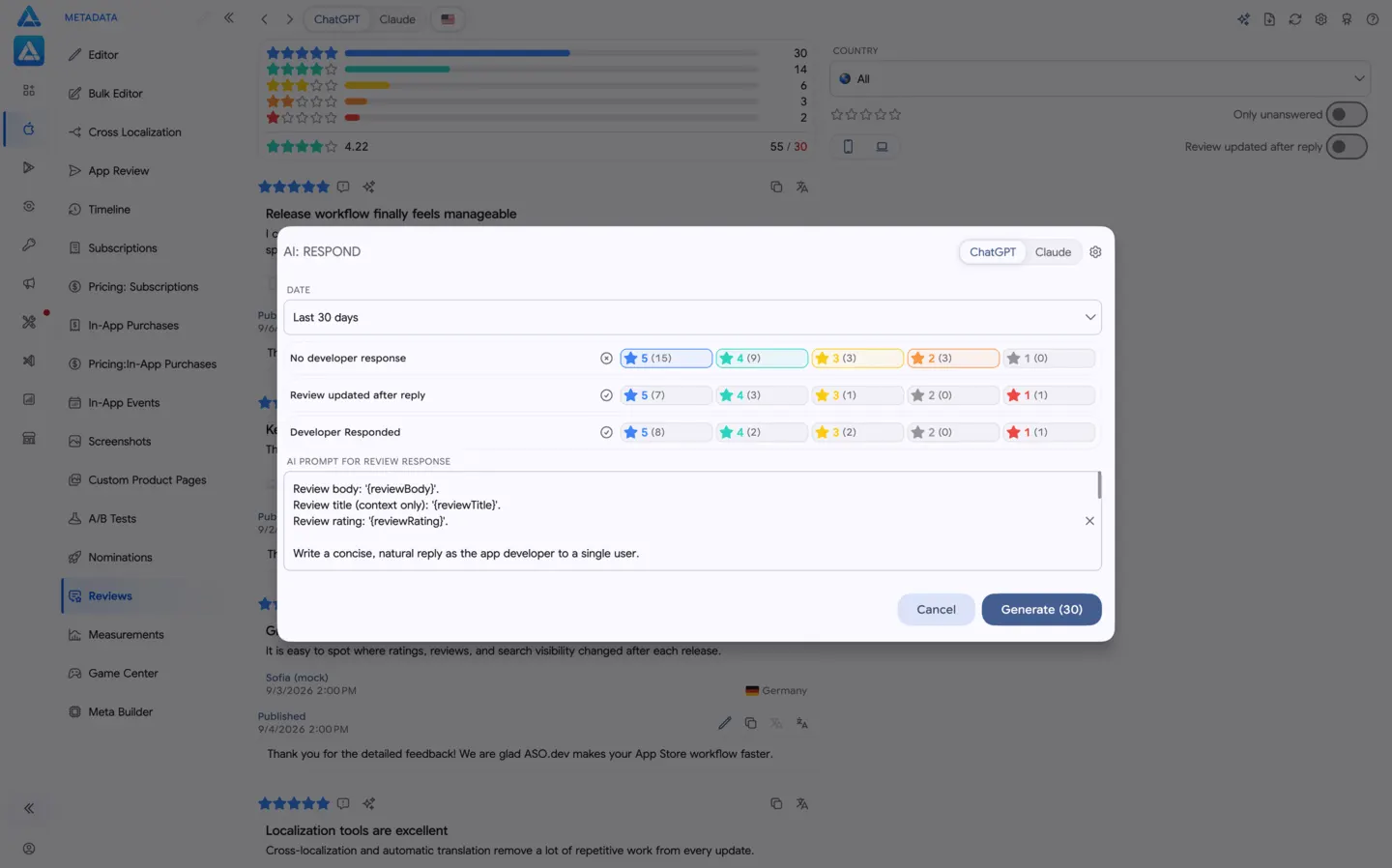
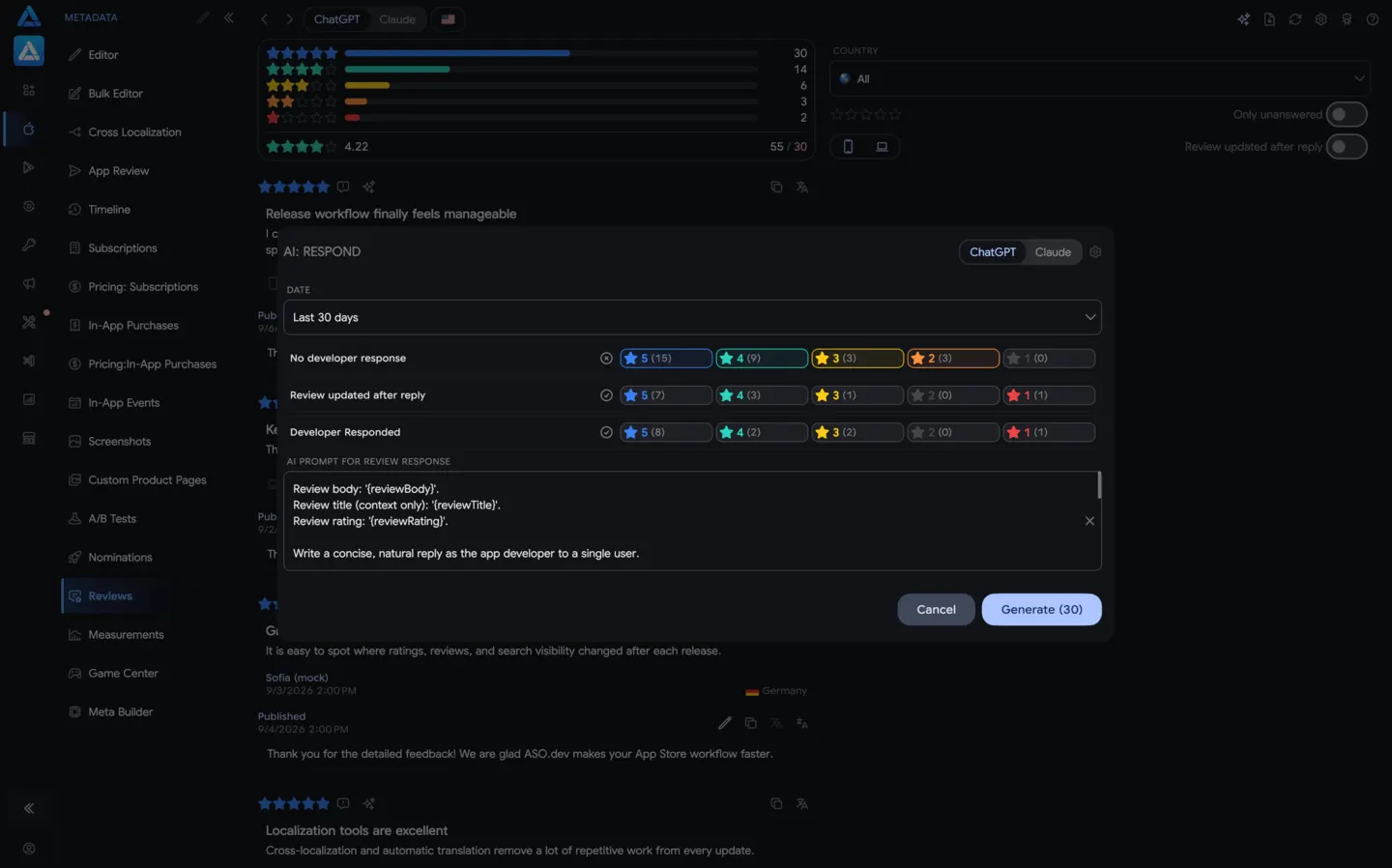 07Google Play ReviewsReply to new and updated reviews, generate AI responses, and prepare bulk replies.
Questions, answered
The practical details teams usually want to know first.
Manage localized metadata, screenshots, releases and tracks, subscriptions, in-app products, country pricing, and review replies from dedicated Google Play workflows.
Yes. ASO.dev does not impose a per-reply AI generation limit. Google Play itself exposes written production reviews created or updated during the last 7 days through its API.
Connect a Google Play service account with only the required app-level permissions. Its credentials stay in Secure Storage on your device, and requests go directly to Google rather than through ASO.dev servers.
Assign a dedicated proxy to each workspace. This routes different developer accounts through different IP addresses—similar to separate anti-detect browser profiles.
Manage one app or an Android portfolio with the same connected workflow for releases, monetization, media, and reviews.